By Smart Prompts For AI
Published: 2026-11-06
URL: https://smartpromptsforai.substack.com/p/i-taught-a-chatbot-to-answer-my-billing
Turn your problem in the perfect prompt.
I got the billing question after hours, and the customer was not angry.
That was the worst part. They were polite, and they asked why the invoice changed.
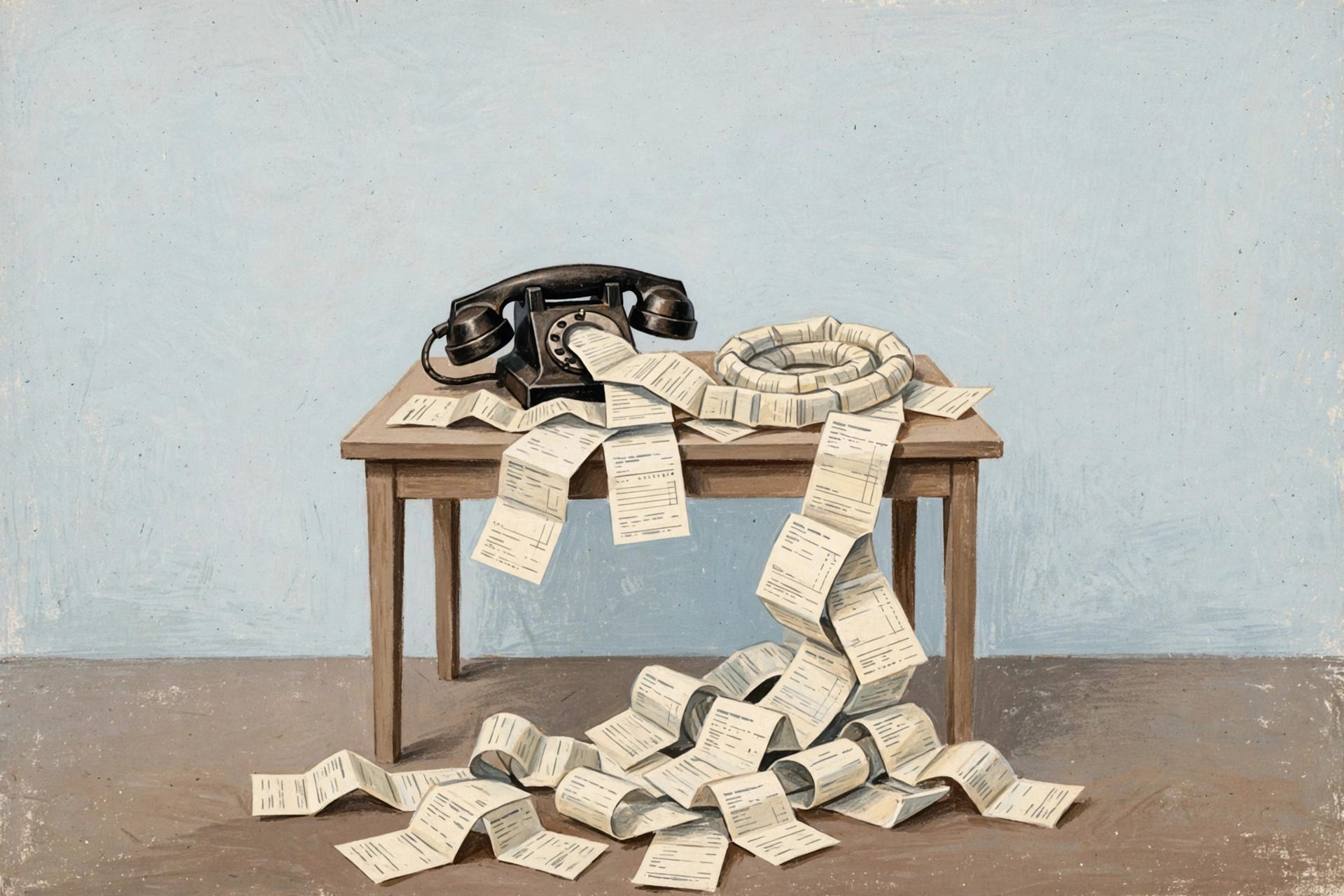
I knew the answer. It lived in the billing system, in the plan terms, and in an old email thread where someone had already explained it once. I still made them wait days for it.
A billing answer that arrives late does not just arrive late. It arrives after the customer has already decided you cannot be trusted with their money. T
he invoice is a promise, and every slow answer rewrites it. The customer does not leave over one wrong charge.
They leave when asking about a charge feels like work.
So I answered every billing question by hand. I knew where everything lived, so I opened the billing system, checked the plan terms, searched the old thread, and typed a fresh reply.
It felt like service.
It was a habit with a single point of failure, and the point was me.
When I was away, the question waited. When I was busy, the question waited. Knowing the answer is not the same as having a system that gives it.
Peter wrote in this week. He is an in-house operator, and his most annoying admin task, in his exact words, is automating billing, network changes, and ERP notifications.
He named billing, network changes, and ERP notifications, and the one he wants next is a customer chatbot. This article takes one of them: billing questions.
The other two run on the same shape, once the billing one holds.
Here is the reframe.
Quit answering billing questions.
Build something that answers them.
The job is not a smarter reply.
The job is a bot that knows the invoice, cites the exact charge, and hands off cleanly the moment it cannot verify what it is saying.
A bot that guesses is worse than no bot at all. A bot that knows its limits is the whole system.
Here is the free asset, the prompt I run on a billing question before it gets any of my real attention.
The Billing Answer
Run this the moment a billing question lands, before you type a fresh reply. Paste the question under CUSTOMER QUESTION and the invoice facts under INVOICE FACTS. A few minutes, and you have a draft that cites the real figures.
BILLING ANSWER. Read the customer question and the invoice facts below, then draft the reply. Return exactly this:
>
DRAFT REPLY: [plain and direct, cite the exact charge and date, name the reason in one line]
CANNOT ANSWER: [write what is missing, if anything is missing]
>
Rules: cite only figures shown in the invoice facts, never guess a figure. If the facts do not show it, write CANNOT ANSWER and name what is missing. Keep the reply short, plain, and direct. The reply explains, it does not negotiate. Never offer a refund or a credit in the draft.
>
CUSTOMER QUESTION:
[paste here]
>
INVOICE FACTS:
[plan, charge, date, previous total, new total]
Win a $50 Gift Card - Less Than 30 Spots Remain
Run that on the next billing question that lands. The reply no longer depends on your memory and starts depending on the invoice.
Then the paid half of this system turns the one prompt into the thing Peter actually asked for: a chatbot that answers billing questions on its own, and knows when to hand off.
Here’s what’s waiting on the other side of this paywall:
-
The Question Catcher: the list of billing questions customers actually ask, so the bot learns real questions, not imagined ones
-
The Invoice Linker: what the bot may read and what it never touches, so it cites the invoice and never sees a card
-
The Answer Draft: the verification pass that turns a draft into a reply you can send without reading it first
-
The Handoff Rule: the triggers that send a question to a human, and the exact line the bot says when it does
-
The Weekly Question Review: the habit that keeps the bot current, folding new questions in and pruning dead ones
Plus the Subscriber Perks shelf, unlocked the moment you upgrade:
-
The Operator’s Prompt Vault: 32 prompts, one download
-
The AI Employee Operations Manual: $25 in the store, free for annual members
-
The Workbench Chat: bring live workflow problems, get answers
-
Member discounts: 25% off the store, always, and $50 off Smart Prompt Studio for annual members
-
Founding members: a full year of Studio Pro bundled in
Now the math, the way I’d lay it out across the workbench:
Two billable hours. That’s all this system needs to hand back to you this week.
At $100 to $250 an hour, that’s $200 to $500 back in your pocket.
The annual subscription costs $99. It pays for itself before Friday.
Then it keeps paying you back every week for a year.
This isn’t a content subscription.
It’s the operational retainer I used to sell to consulting clients: the same systems, the same prompts, in your inbox every morning.
One more thing, and I want this plain: the price you sign up at is your price. Locked until you cancel. No surprise hikes down the road. I’d rather keep you than squeeze you.
Or start with a 7-day free trial and read the whole thing for a week before you pay anything.
Upgrade now. Grab the system. Put the hours back in your week.