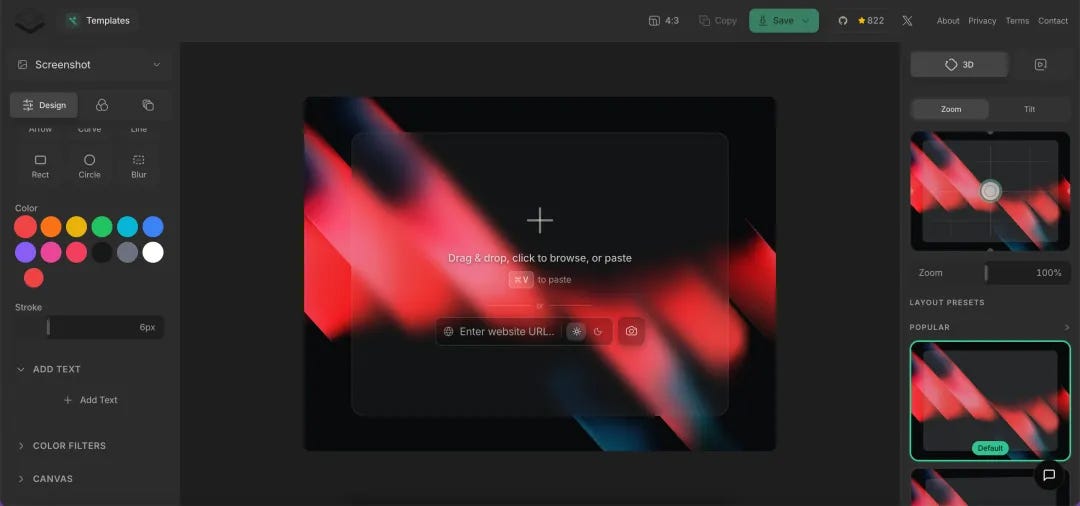
Transform plain screenshots into professional visuals with this free open-source tool. Add frames, 3D effects, animations, and export HD images—no watermark, no registration.
By Meng Li
Published: 2026-08-05
URL: https://pythonlibraries.substack.com/p/this-open-source-tool-instantly-pro
If you often write articles or blog posts, you frequently need to take screenshots or include code snippets. But plain screenshots look monotonous on their own. I searched for free screenshot beautification tools, only to find that they either have watermarks or are so feature-poor that they can only add a background color.
I’ve long been looking for a lightweight tool that can “beautify screenshots with one click.”
My requirements were simple: upload a screenshot, add a beautiful gradient background, wrap it in a browser frame, ideally adjust the perspective angle, and export a high-resolution image.
I’ve tried major online design tools — powerful but expensive and complicated to use. I’ve also tried some open-source tools: some can only add a background without adjusting the overall effect, while others produce such poor image quality that they’re unusable in formal articles or presentations.
Until recently, I discovered a new project — Screenshot Studio.