By Python Coding
Published: 2026-08-09
URL: https://pythonclcoding.substack.com/p/tensorflow-cheat-sheet-a-beginner
TensorFlow is one of the most popular open-source frameworks for building and training machine learning and deep learning models. If you’re learning AI with Python, understanding TensorFlow fundamentals can help you move from basic concepts to practical model development.
This TensorFlow Cheat Sheet covers the essential concepts you need to get started, including tensors, tensor operations, datasets, model compilation, training, and the complete TensorFlow workflow.
What is TensorFlow?
TensorFlow is an open-source machine learning framework developed by Google. It provides tools and APIs for building, training, evaluating, and deploying machine learning and deep learning models.
TensorFlow can be used for applications such as:
-
🖼️ Image recognition
-
📝 Natural language processing
-
🔮 Prediction and classification
-
🤖 Neural networks
-
📊 Data processing
-
🧠 Deep learning
-
👁️ Computer vision
One of the main advantages of TensorFlow is its ability to perform computations efficiently on CPUs, GPUs, and other supported hardware.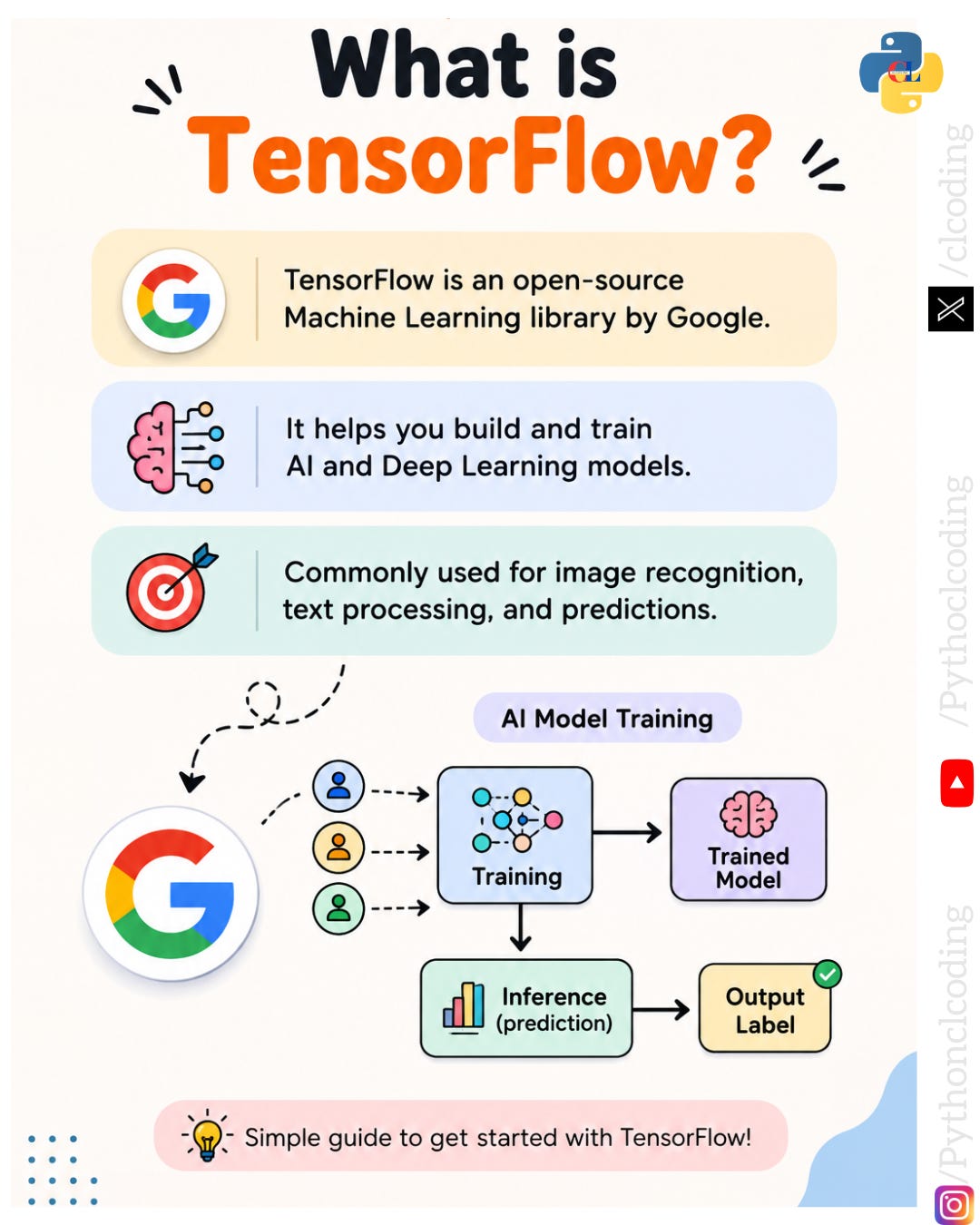
1. Installing and Importing TensorFlow
Before using TensorFlow, install it using pip:
pip install tensorflowAfter installation, import TensorFlow into your Python program:
import tensorflow as tfYou can check the installed version with:
print(tf.__version__)Tip
For projects, it is a good practice to create a virtual environment before installing TensorFlow. This keeps project dependencies isolated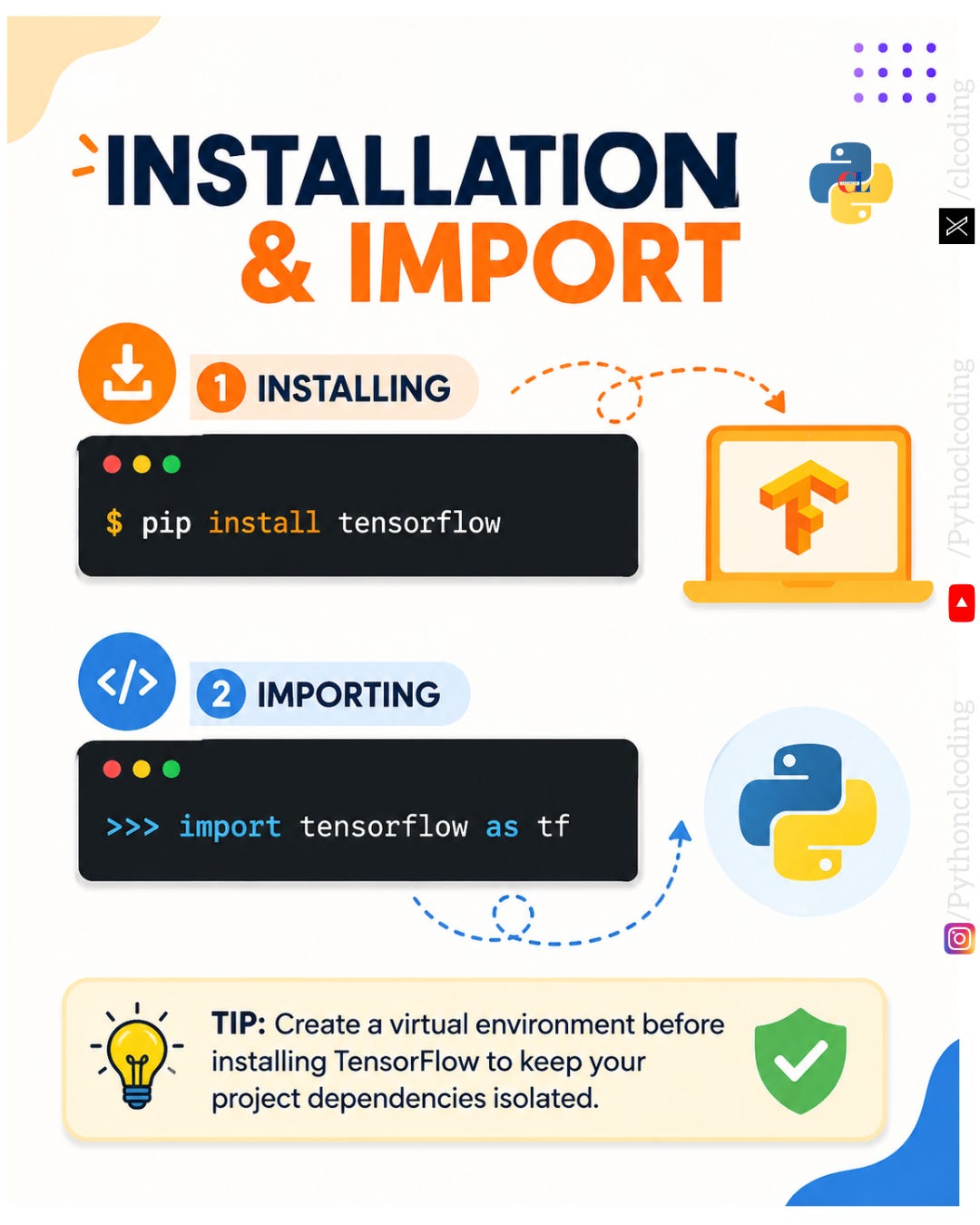
.
2. Understanding Tensors
The fundamental data structure in TensorFlow is the tensor.
A tensor is similar to a NumPy array and can represent data in multiple dimensions.
For example:
import tensorflow as tf

tensor = tf.constant([1, 2, 3, 4])

print(tensor)
Tensor dimensions can be understood as:
TypeDimensionExampleScalar0D7Vector1D[1, 2, 3, 4]Matrix2D[[1, 2], [3, 4]]Higher-dimensional tensor3D+Images, batches, etc.
You can check the shape of a tensor using:
print(tensor.shape)Tensors are central to TensorFlow because neural networks process their inputs, weights, and outputs as tensors.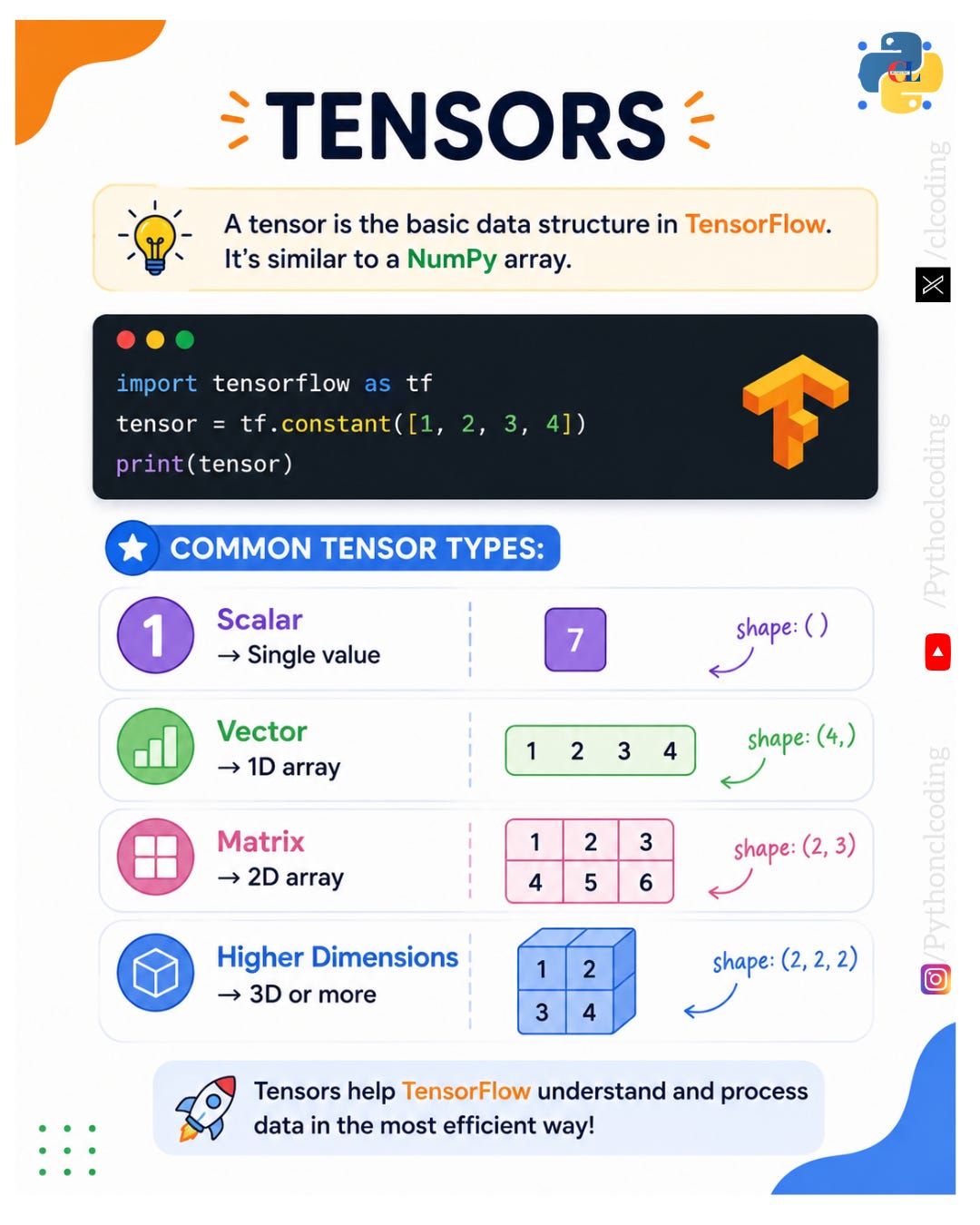
3. Tensor Operations
TensorFlow allows you to perform mathematical operations directly on tensors.
import tensorflow as tf

a = tf.constant([2, 4])
b = tf.constant([3, 5])

print(a + b)
print(a - b)
print(a * b)
The operations are performed element by element in this example.
For instance:
a = [2, 4]
b = [3, 5]

a + b = [5, 9]

a * b = [6, 20]
Some commonly used TensorFlow operations include:
tf.add()
tf.subtract()
tf.multiply()
tf.divide()
tf.matmul()
tf.reduce_sum()
tf.reduce_mean()
These operations form the building blocks of many machine learning computations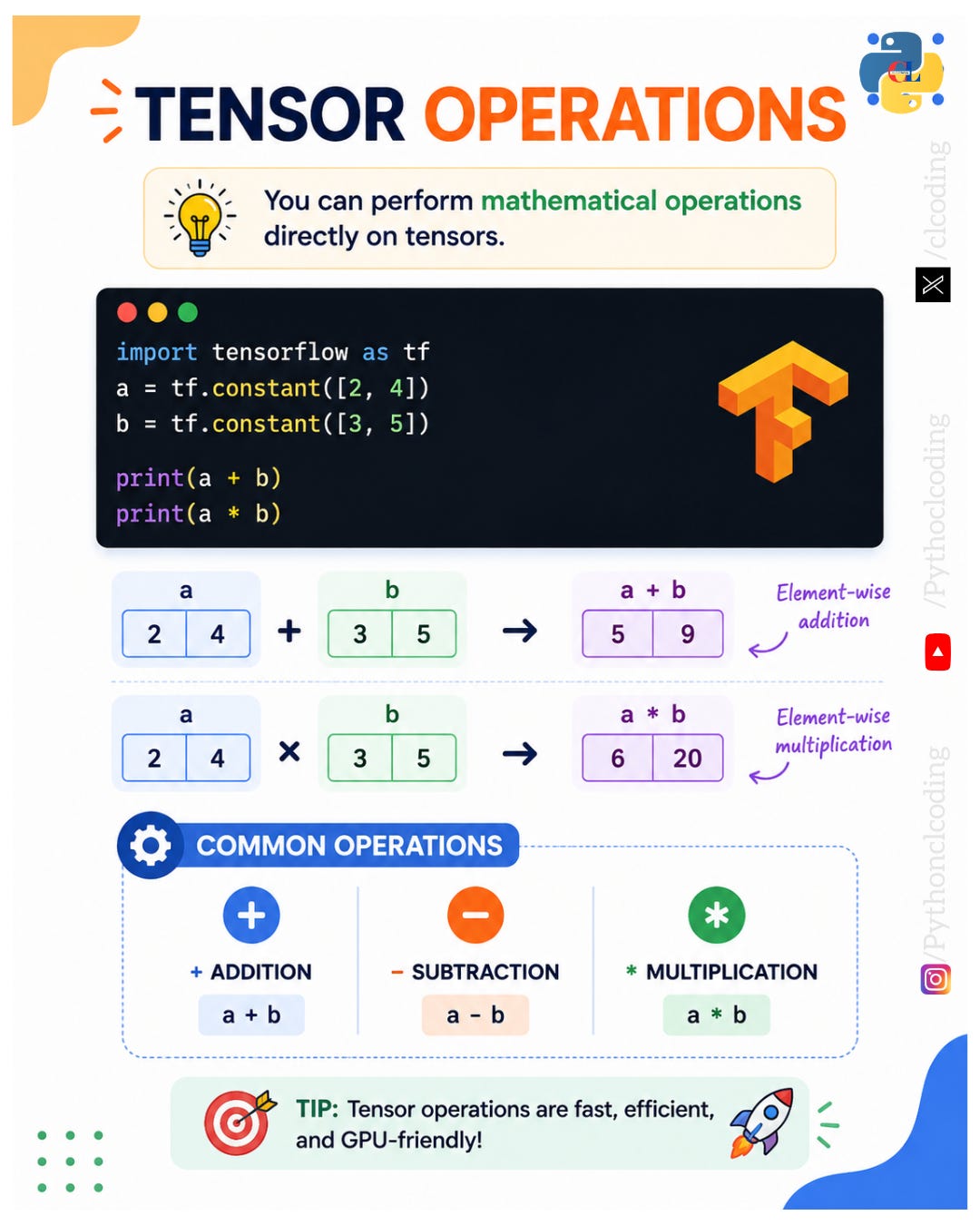
.
4. Loading Data with tf.data
Working efficiently with data is an important part of machine learning.
TensorFlow provides the tf.data API for creating input pipelines.
A simple example:
import tensorflow as tf

dataset = tf.data.Dataset.from_tensor_slices([1, 2, 3, 4])

for item in dataset:
print(item)
The tf.data API becomes particularly useful when working with larger datasets.
You can also build pipelines using operations such as:
dataset = dataset.shuffle(100)
dataset = dataset.batch(32)
dataset = dataset.prefetch(tf.data.AUTOTUNE)
This can help organize data loading and preprocessing efficiently during model training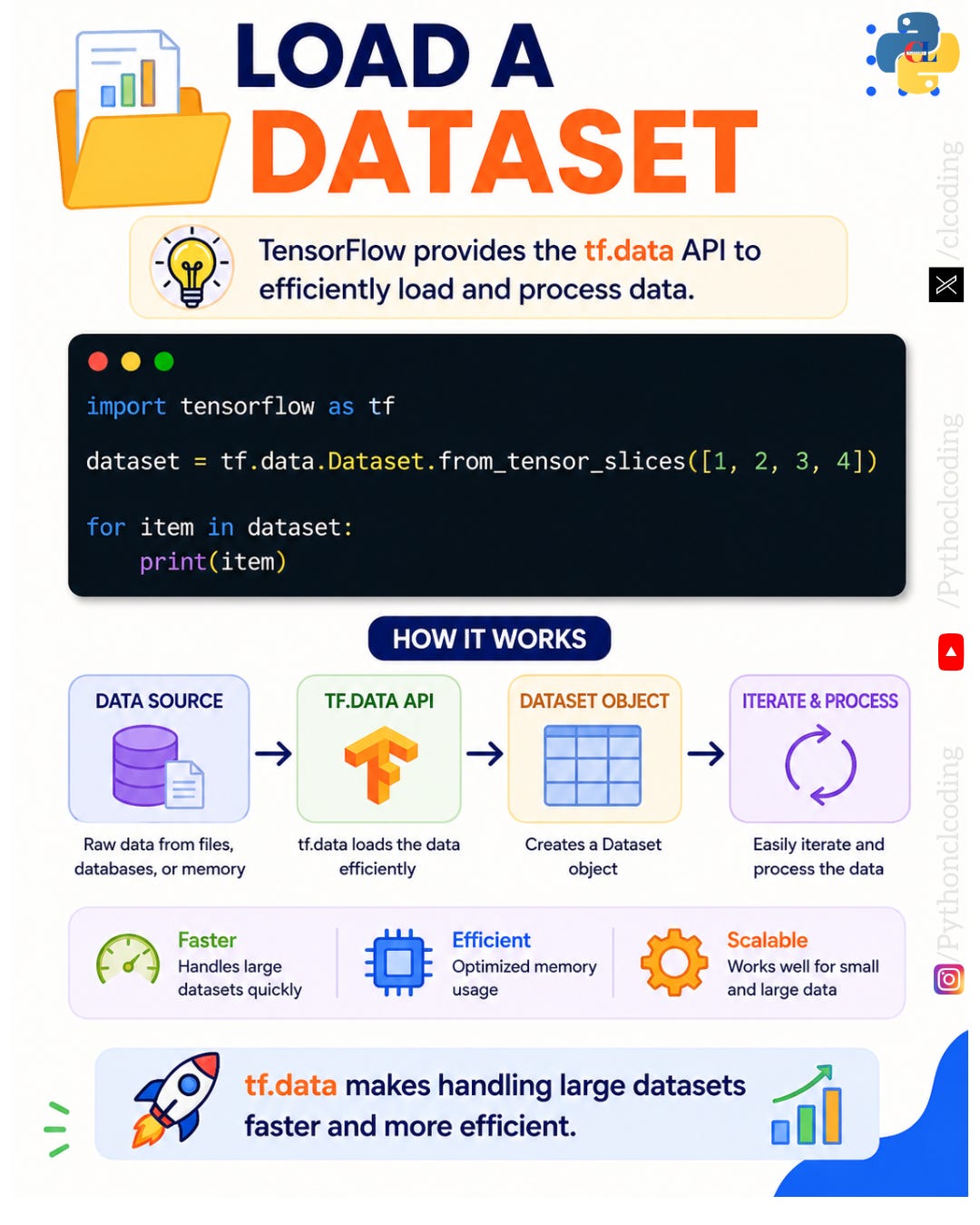
.
5. Building a TensorFlow Model
TensorFlow works closely with Keras, its high-level API for building neural networks.
A simple model can be created using:
model = tf.keras.Sequential([
tf.keras.layers.Dense(64, activation="relu"),
tf.keras.layers.Dense(32, activation="relu"),
tf.keras.layers.Dense(1)
])
Here:
-
Sequential creates a linear stack of layers.
-
Dense creates fully connected neural network layers.
-
relu is an activation function.
-
The final layer produces the model output.
You can add different types of layers depending on the problem you’re solving.
6. Compile the Model
Before training, the model needs to be compiled.
model.compile(
optimizer="adam",
loss="mse"
)
The optimizer controls how the model’s weights are updated during training.
The loss function measures how far the model’s predictions are from the expected results.
Common optimizers include:
"adam"
"sgd"
"rmsprop"
Common loss functions include:
"mse"
"mae"
"binary_crossentropy"
"sparse_categorical_crossentropy"
You can also specify evaluation metrics:
model.compile(
optimizer="adam",
loss="mse",
metrics=["mae"]
)
7. Train the Model
Once the model has been compiled, you can train it using the .fit() method.
model.fit(
X_train,
y_train,
epochs=10
)
The epochs parameter specifies how many times the model goes through the training dataset.
For example:
epochs=10means the model will train for 10 epochs.
You can also use a validation dataset:
model.fit(
X_train,
y_train,
epochs=10,
validation_data=(X_test, y_test)
)
During training, TensorFlow tracks metrics such as loss and accuracy so you can monitor the model’s learning process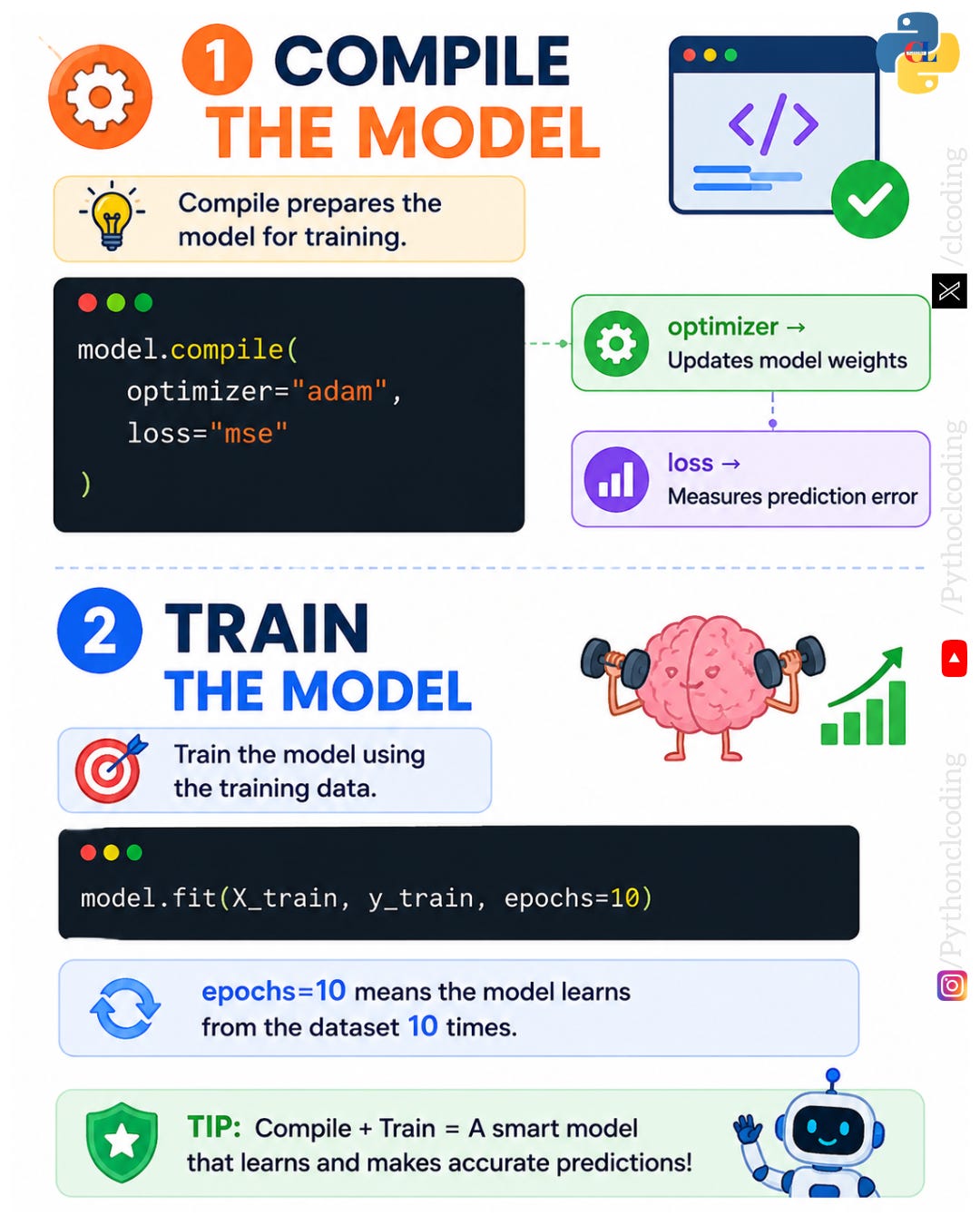
.
8. Make Predictions
After training, use the model to make predictions:
predictions = model.predict(X_test)

print(predictions)
The trained model takes new input data and produces an output based on what it learned during training.
This is the inference stage of a machine learning workflow.
TensorFlow Workflow
A typical TensorFlow machine learning workflow looks like this:
Collect Data
↓
Prepare Data
↓
Create Model
↓
Add Layers
↓
Compile Model
↓
Train Model
↓
Evaluate Model
↓
Make Predictions
Each stage has an important role.
1. Collect Data
Gather the data required for your machine learning problem.
2. Prepare Data
Clean, transform, normalize, and format the data.
3. Create Model
Choose an appropriate neural network architecture.
4. Add Layers
Build the model by adding layers such as Dense, Conv2D, LSTM, or others.
5. Compile Model
Choose the optimizer, loss function, and metrics.
6. Train Model
Use training data to teach the model.
7. Evaluate Model
Measure how well the model performs on unseen data.
8. Make Predictions
Use the trained model to generate predictions on new data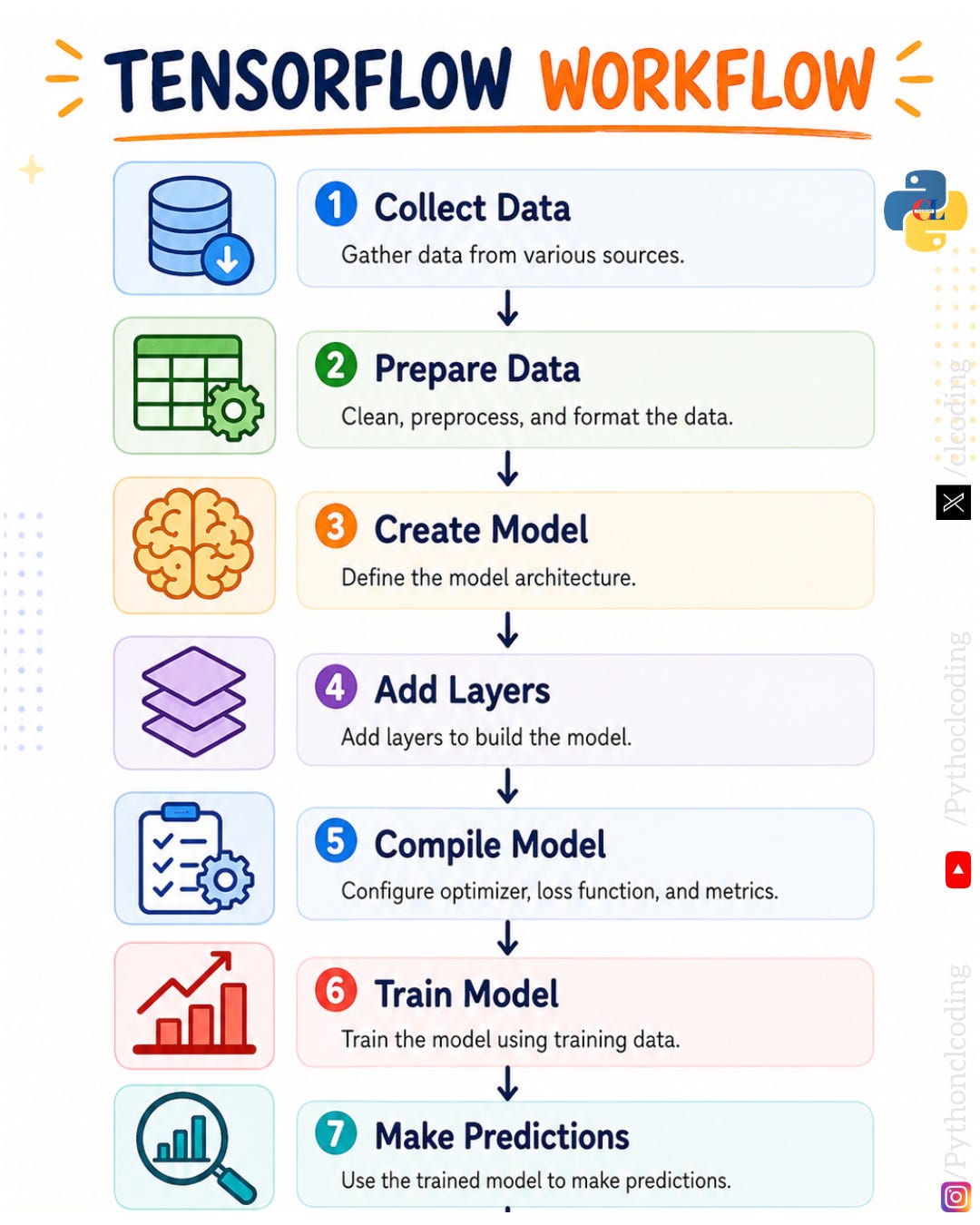
.
Essential TensorFlow Cheat Sheet
| Task | TensorFlow |
|---|---|
| Install | pip install tensorflow |
| Import | import tensorflow as tf |
| Constant | tf.constant() |
| Variable | tf.Variable() |
| Add | tf.add() |
| Multiply | tf.multiply() |
| Matrix multiplication | tf.matmul() |
| Dataset | tf.data.Dataset |
| Neural network | tf.keras |
| Sequential model | tf.keras.Sequential() |
| Dense layer | tf.keras.layers.Dense() |
| Compile | model.compile() |
| Train | model.fit() |
| Predict | model.predict() |
| Evaluate | model.evaluate() |
| Save model | model.save() |
Why Learn TensorFlow?
TensorFlow gives Python developers a powerful ecosystem for developing machine learning and deep learning applications.
Once you understand tensors → operations → datasets → models → compilation → training → prediction, you have a strong foundation for working with TensorFlow.
The best way to learn is to combine these concepts with small projects and gradually move toward real-world datasets and neural network architectures.
📌 TensorFlow Cheat Sheet
Save this cheat sheet as a quick reference while learning TensorFlow.
From installation and tensors to model training and predictions, these concepts cover the core workflow every beginner should understand.
🚀 Learn Python. Build AI. Train Deep Learning Models.
1. DeepLearning.AI TensorFlow Developer Professional Certificate
A 4-course series covering TensorFlow fundamentals, CNNs, NLP, and time-series prediction. Great for learners who want a structured TensorFlow learning path.
2. TensorFlow: Advanced Techniques Specialization
A more advanced TensorFlow path covering custom models, layers, and loss functions, aimed at learners who already know the basics and want to build more sophisticated models.
3. Complete TensorFlow 2 and Keras Deep Learning Bootcamp
A practical bootcamp designed to take learners from TensorFlow/Keras fundamentals toward real-world deep-learning workflows and advanced models.
4. Hands-On Machine Learning with Scikit-Learn, Keras, and TensorFlow
A popular hands-on book covering machine learning from fundamentals through neural networks, with Keras and TensorFlow used for computer vision, NLP, generative models, and deep reinforcement learning. CLCODING has a page for the book with a free-PDF section. https://www.clcoding.com/2023/11/hands-on-machine-learning-with-scikit.html