Managing daily tasks can feel overwhelming — but Python can help! With just a few lines of code, you can automate your workflow, boost productivity, and simplify your day. Here are 12 simple Python s
By Python Coding
Published: 2025-10-27
URL: https://pythonclcoding.substack.com/p/12-python-scripts-to-organize-your
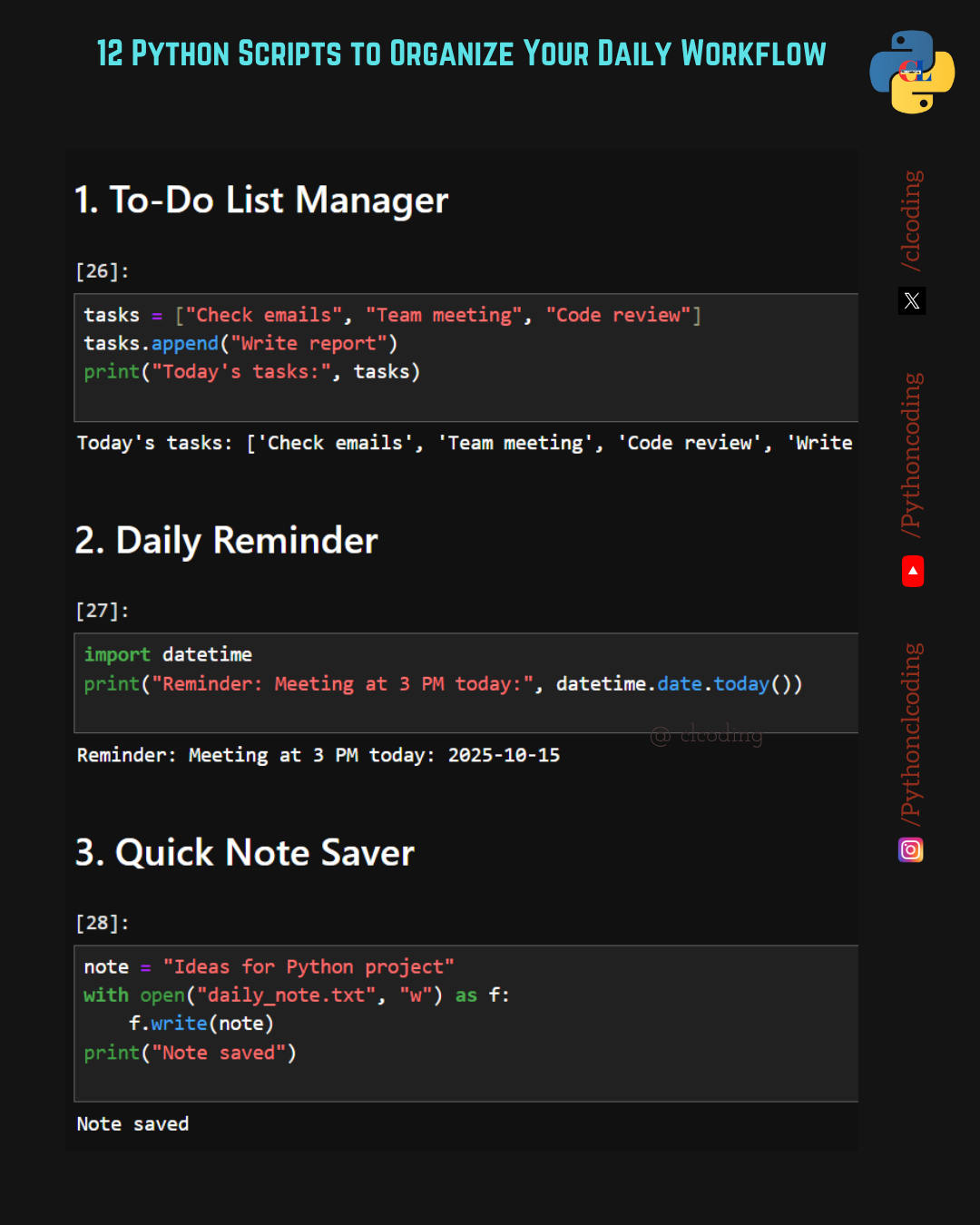
🧾 1. To-Do List Manager
Keep your daily tasks organized in one place.
tasks = [”Check emails”, “Team meeting”, “Code review”] tasks.append(”Write report”) print(”Today’s tasks:”, tasks)
🟢 Output: Today’s tasks: [’Check emails’, ‘Team meeting’, ‘Code review’, ‘Write report’]
💡 Manage, add, or remove tasks anytime—your digital task list made easy!
⏰ 2. Daily Reminder
Never miss an important event or meeting.
import datetime print(”Reminder: Meeting at 3 PM today:”, datetime.date.today())
🟢 Output: Reminder: Meeting at 3 PM today: 2025-10-15
💡 Use this to set up daily alerts or reminders for your routine.
📝 3. Quick Note Saver
Save quick notes, thoughts, or project ideas automatically.
note = “Ideas for Python project” with open(”daily_note.txt”, “w”) as f: f.write(note) print(”Note saved”)
🟢 Output: Note saved
💡 A great way to capture inspiration instantly.
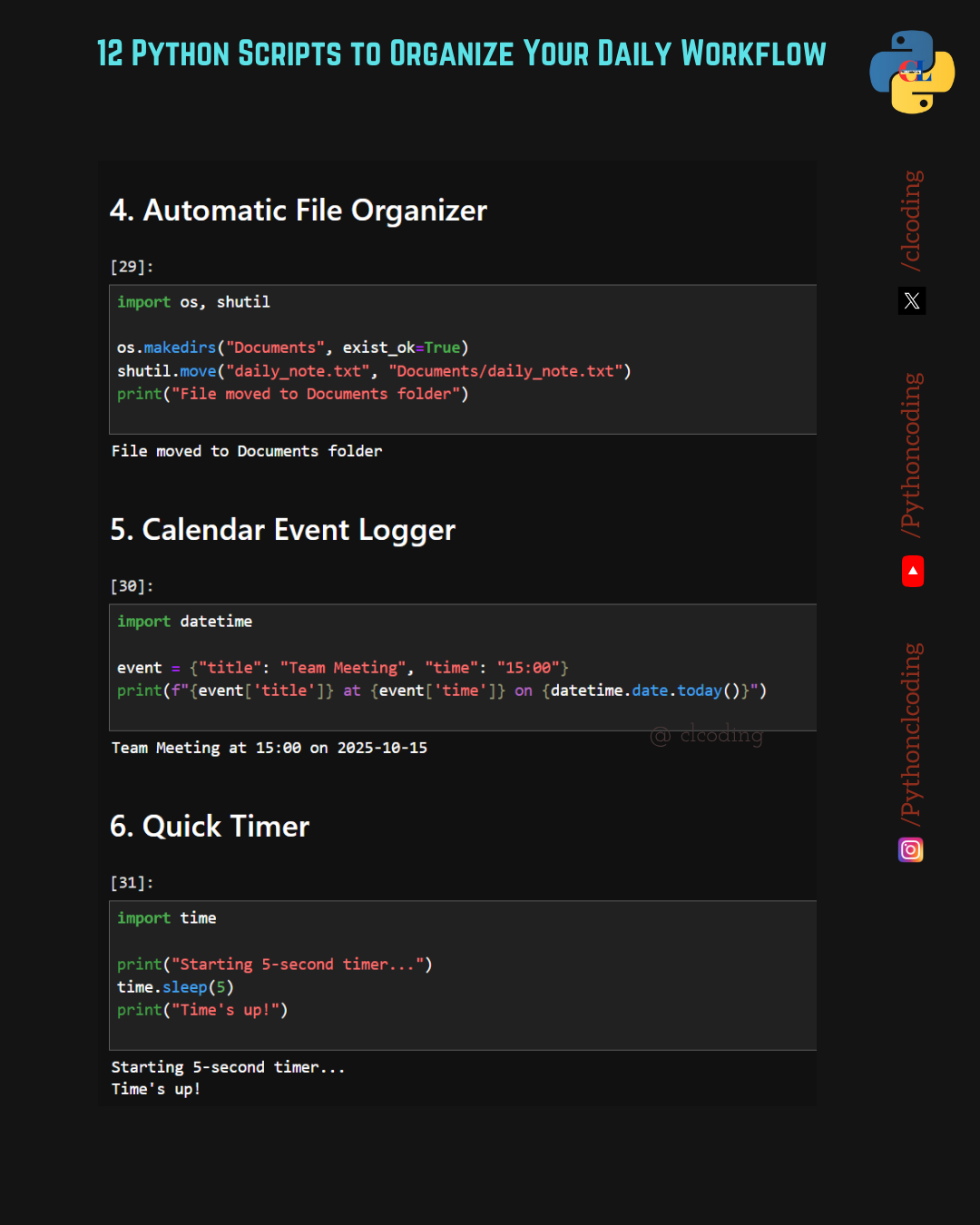
📂 4. Automatic File Organizer
Organize your workspace with this file mover.
import os, shutil os.makedirs(”Documents”, exist_ok=True) shutil.move(”daily_note.txt”, “Documents/daily_note.txt”) print(”File moved to Documents folder”)
🟢 Output: File moved to Documents folder
💡 No more messy folders—Python keeps everything tidy.
📅 5. Calendar Event Logger
Record important events and tasks in seconds.
import datetime event = {”title”: “Team Meeting”, “time”: “15:00”} print(f”{event[’title’]} at {event[’time’]} on {datetime.date.today()}”)
🟢 Output: Team Meeting at 15:00 on 2025-10-15
💡 Keep a running log of all your events and deadlines.
⏱️ 6. Quick Timer
Set short timers for focus sessions or breaks.
import time print(”Starting 5-second timer...”) time.sleep(5) print(”Time’s up!”)
🟢 Output:
Starting 5-second timer... Time’s up!
💡 Perfect for Pomodoro sessions or reminders.
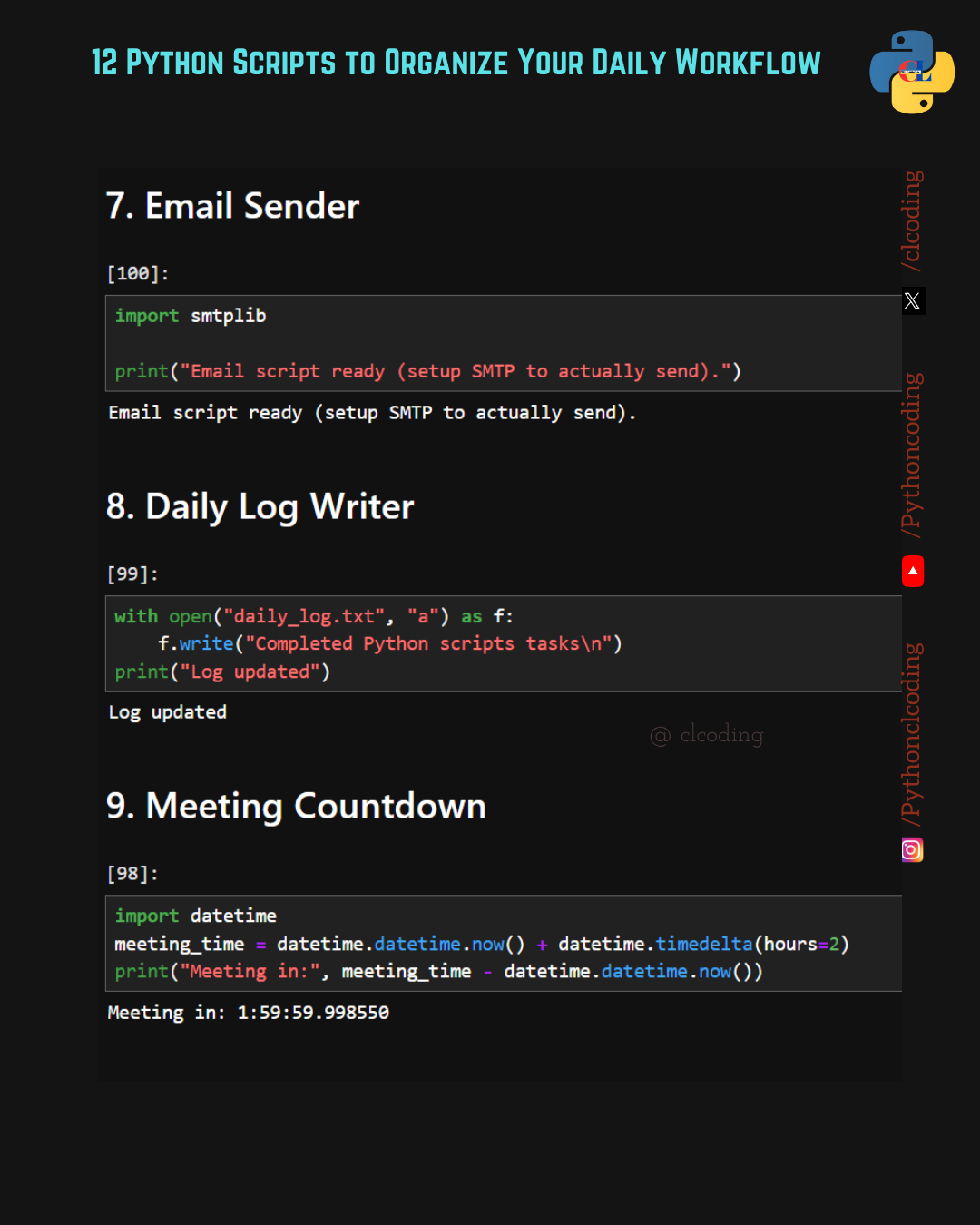
📧 7. Email Sender
Send emails directly from Python (setup SMTP for sending).
import smtplib print(”Email script ready (setup SMTP to actually send).”)
🟢 Output: Email script ready (setup SMTP to actually send).
💡 Automate daily reports or notifications easily.
🗒️ 8. Daily Log Writer
Keep an auto-updated daily log file of your work.
with open(”daily_log.txt”, “a”) as f: f.write(”Completed Python scripts tasks\n”) print(”Log updated”)
🟢 Output: Log updated
💡 Your digital diary of completed coding tasks.
⏳ 9. Meeting Countdown
Know exactly when your next meeting starts.
import datetime meeting_time = datetime.datetime.now() + datetime.timedelta(hours=2) print(”Meeting in:”, meeting_time - datetime.datetime.now())
🟢 Output: Meeting in: 1:59:59.998550
💡 Stay punctual and manage your prep time effectively.
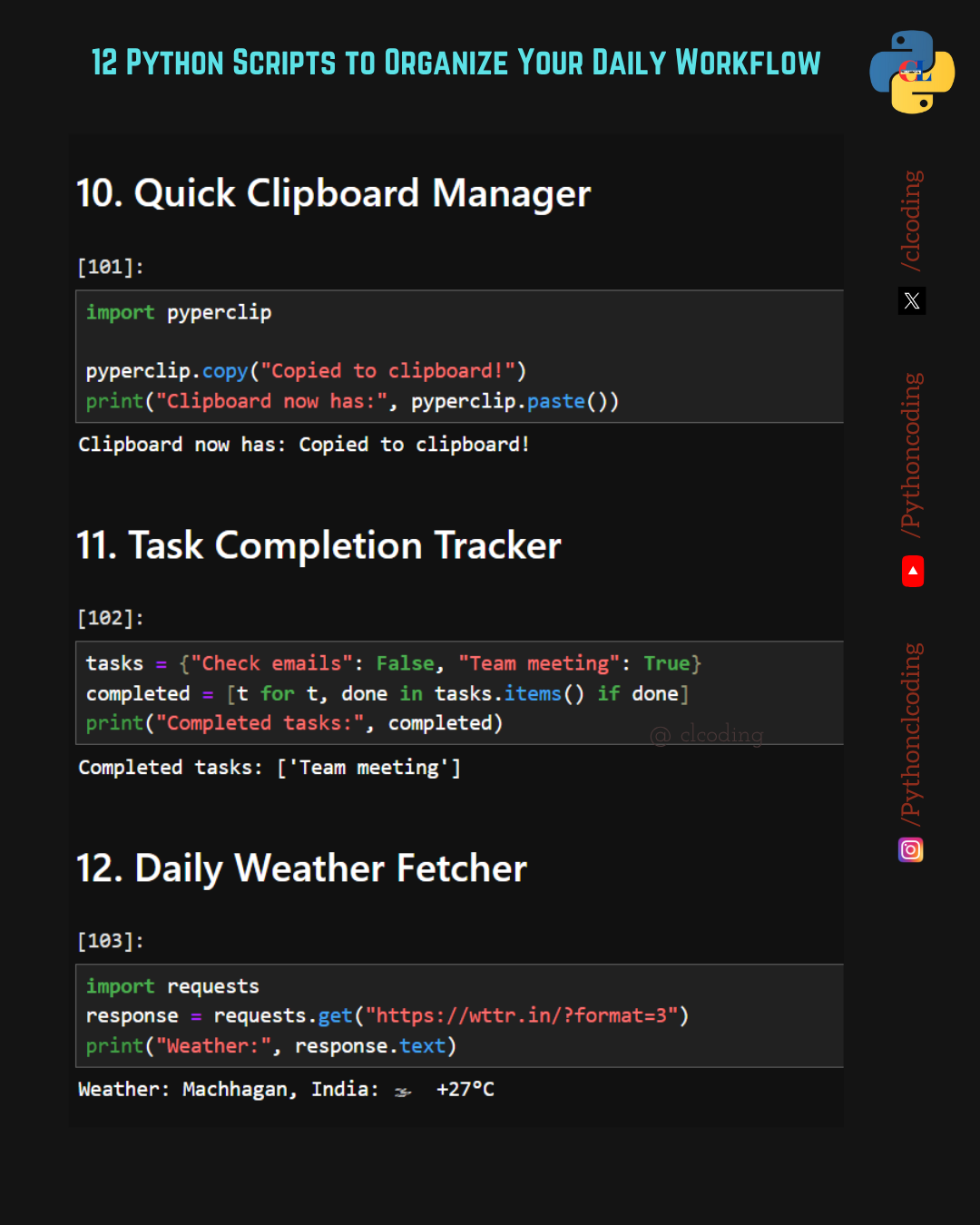
📋 10. Quick Clipboard Manager
Copy and paste with automation!
import pyperclip pyperclip.copy(”Copied to clipboard!”) print(”Clipboard now has:”, pyperclip.paste())
🟢 Output: Clipboard now has: Copied to clipboard!
💡 Useful for repetitive text handling or automation scripts.
✅ 11. Task Completion Tracker
Track your completed and pending tasks easily.
tasks = {”Check emails”: False, “Team meeting”: True} completed = [t for t, done in tasks.items() if done] print(”Completed tasks:”, completed)
🟢 Output: Completed tasks: [’Team meeting’]
💡 See your progress instantly—motivation guaranteed!
🌦️ 12. Daily Weather Fetcher
Fetch live weather updates right from your terminal.
import requests response = requests.get(”https://wttr.in/?format=3”) print(”Weather:”, response.text)
🟢 Output: Weather: Machhagan, India: 🌤️ +27°C
💡 Start your morning with a Python-powered forecast.
💬 Final Thoughts
These 12 Python scripts are simple, practical, and effective tools to help you: ✅ Save time ✅ Stay organized ✅ Automate boring tasks
Try one today—and experience how Python can make your daily workflow smoother and smarter.