Setup, plugins, pricing, and the first 2 tasks you can delegate.
By Ilia Karelin
Published: 2026-11-12
URL: https://prosperinai.substack.com/p/openai-dots-explained-set-up-your
Hi Brian,
I think we all got used to AI working one way. Open the chat, type a question, get an answer back. And honestly, majority of the people still use it that way.
Even after the very first edition of ChatGPT (what started the AI wave), it’s only been around 4 years and the AI space changed so much already.
The new AI tools don’t really wait for you to open a chat anymore. They have their own computer (cloud), they keep their own notes (things like memory), and they work on things while you’re busy focusing on something else. And then they message you when it’s all done (or when they need you to look at something).
So now, it is becoming less like a chat and more like a pro-active coworker.
Pretty much all big AI companies/labs are building similar tools:
- Anthropic has Claude Duet
- OpenAI has Dots
- Meta has the Muse agent
- And then there is Grok Bot
Sure, they all have different names, different prices and usage limits. But I think they are all going after the same idea. In the future, we will be handing out jobs to AI way more frequent rather than just asking questions. And the complexity of those jobs will increase as these agents become even more capable.
One of those companies that I mentioned above has a tool that Jeff will share more about. I am talking about Dots.
I haven’t spent enough time with Dots to teach you anything useful.
So I asked someone who has!
Jeff Morhous writes The AI-Augmented Engineer, where he covers coding agents and goes really deep on OpenAI tools like Codex.
In this post, Jeff sets up his first Dot, connects it to Notion, and gives it a job that he’s been putting off for a long time. He also shares the exact prompt that he used.
If you are paying for ChatGPT and still mostly using it as a chat or a search box - this one is for you!
Over to Jeff.
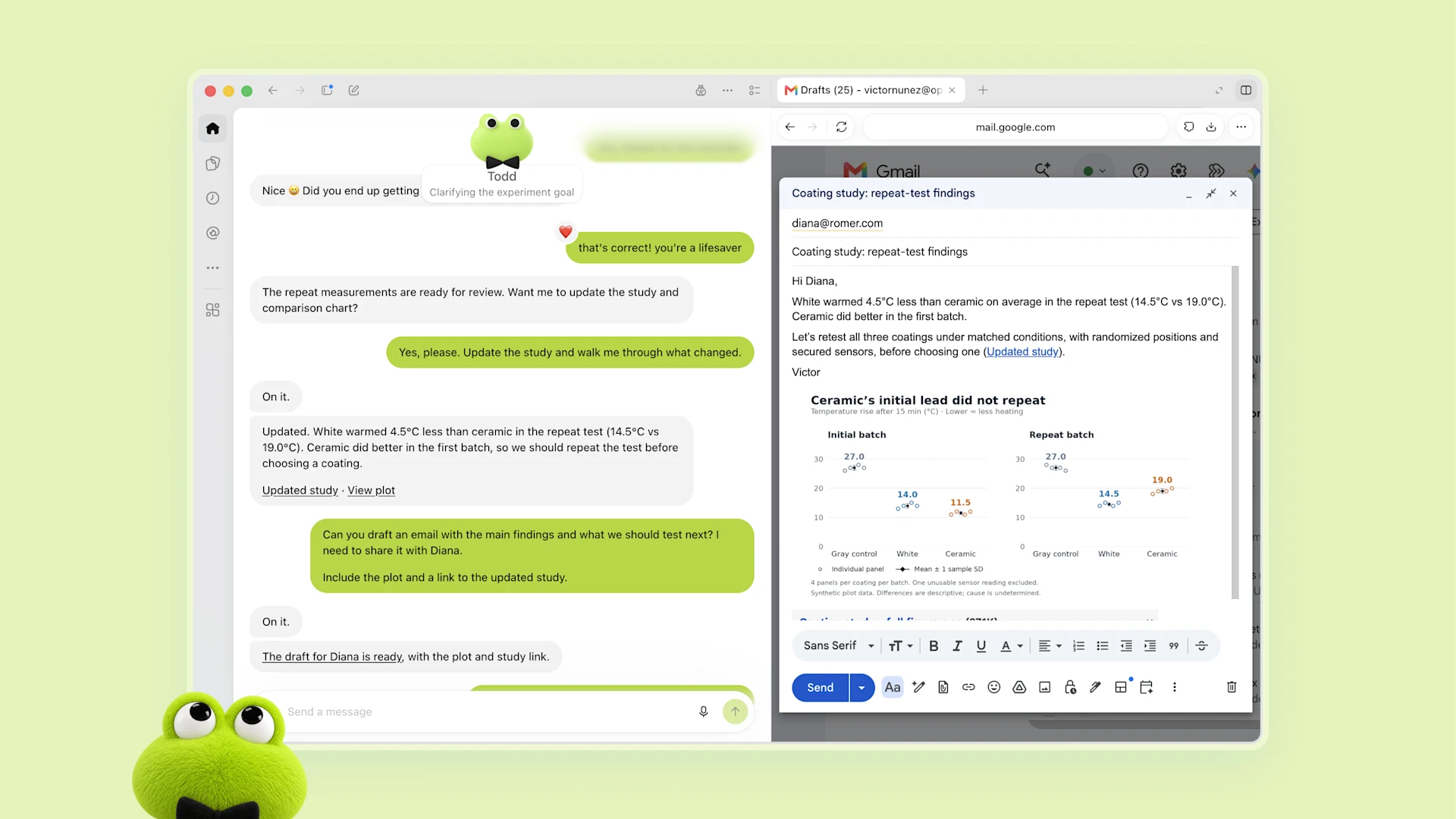
If you follow the bleeding edge of AI, you probably heard some recent buzz about Dots.
Dot’s are OpenAI’s attempt to get into the world of generally useful software agents.
What’s the difference between an agent and ChatGPT? ChatGPT is a chatbot, just like Claude, Grok, and many more web-based products and mobile apps. Chatbots are super useful tools for getting information and even writing text or making images. But they’re stuck without many useful tools.
AI agents aretools that leverage an AI model to interact with their environment, usually through tools. Software engineers have long enjoyed the benefits of software engineering. I write plenty about software agents like Cursor, Codex, and Claude Code on my blog, The AI-Augmented Enginee, and until recently, have really only seen agents be useful in this super specific industry use case.
But Dots is changing that. If you want to learn how to use Dots to create a team of always-on workers that help you achieve your goals faster, then read on!
What makes Dots special
Dots are a relatively unique product, but have some similarities with Grok Bot, an agent product from Cursor/SpaceX.
Dots are quite smart, as they’re powered by GPT-6 Astra, a frontier (and expensive) intelligence model optimized for agentic work. They have their own cloud computer, letting them take action as if you had a remote worker with their own laptop
You can interact with a dot from ChatGPT or some external extension as well.
One way I’ve heard it put is that Dots let you mostly ignore Codex, ChatGPT Work, and regular ChatGPT. You just interact with your Dots, and they will use those tools on your behalf. If that doesn’t sound interesting to you, you’re probably thinking of AI like an answer machine. When you start treating AI like a doing machine, you’ll be shocked how much you can get done.
Who can use Dots?
Dots are available to ChatGPT/Codex users on Pro or Business premium plans. Your first Dot is included at no extra cost to your plan, and doesn’t count against your usage limits.
But you should keep in mind that if your Dot is doing some task in ChatGPT work or Codex, those tasks will count against your normal usage limits.
Your plan also comes with a completely independent usage quota for additional allowances for work your Dot is doing above what’s included in your plan
Most people are on the “Plus” ($20/mo) plan of ChatGPT, which unfortunately doesn’t have Dots yet. You’ll have to upgrade to Pro, which is going to cost $100/mo. If that price is too high, you may have good luck trying out Grok Bot or even Meta Muse.
How to get started with Dots
First, be sure you’re on at least a ChatGPT Pro plan. Once you’re ready, you can start interacting with your Dot in ChatGPT on desktop, mobile, or the app.
Regardless, your Dot will introduce itself and use whatever connectors you’ve already set up to offer to do some useful things! In my case, it read my todo-list app and offered to help on a task that was due.
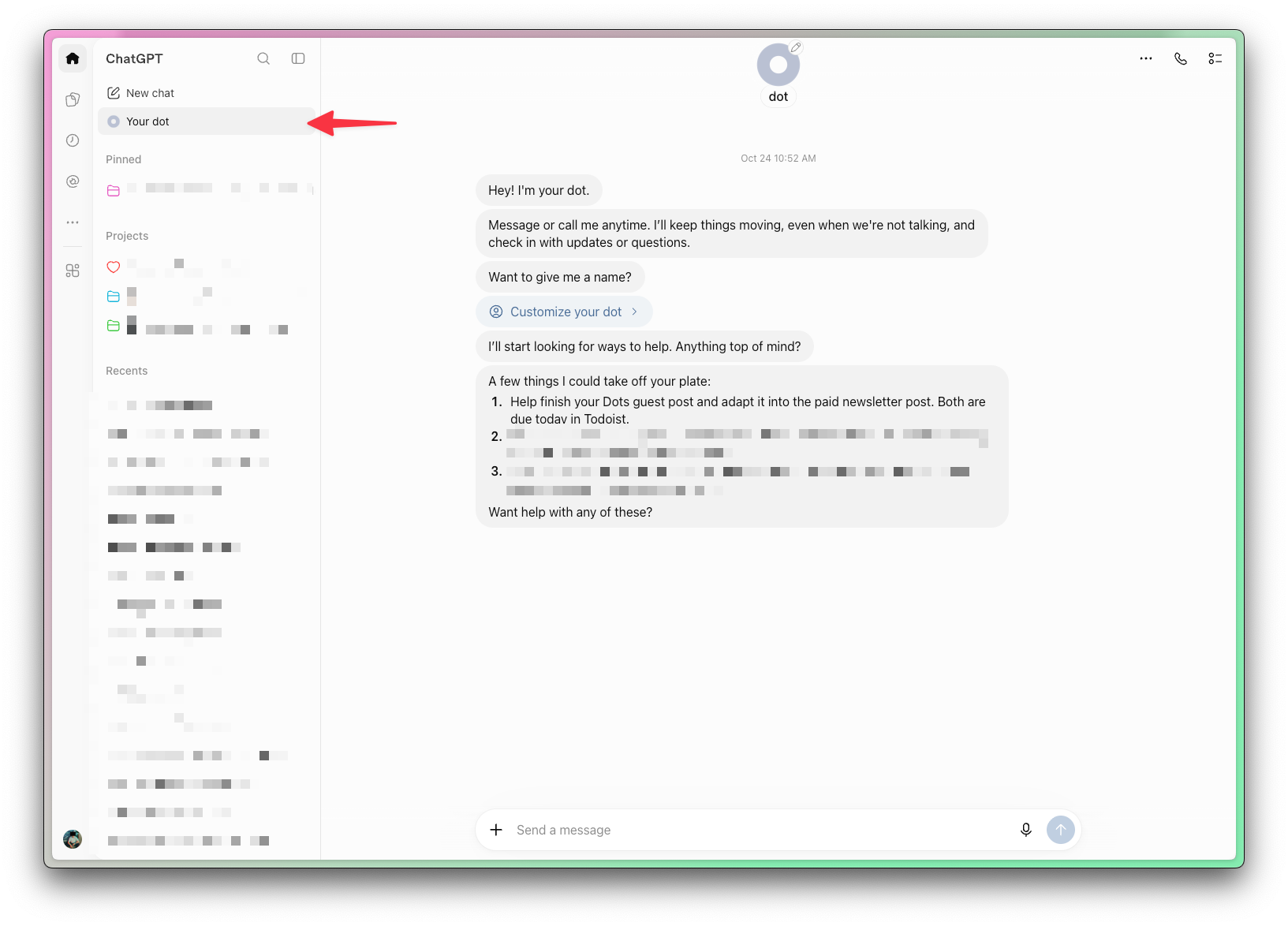
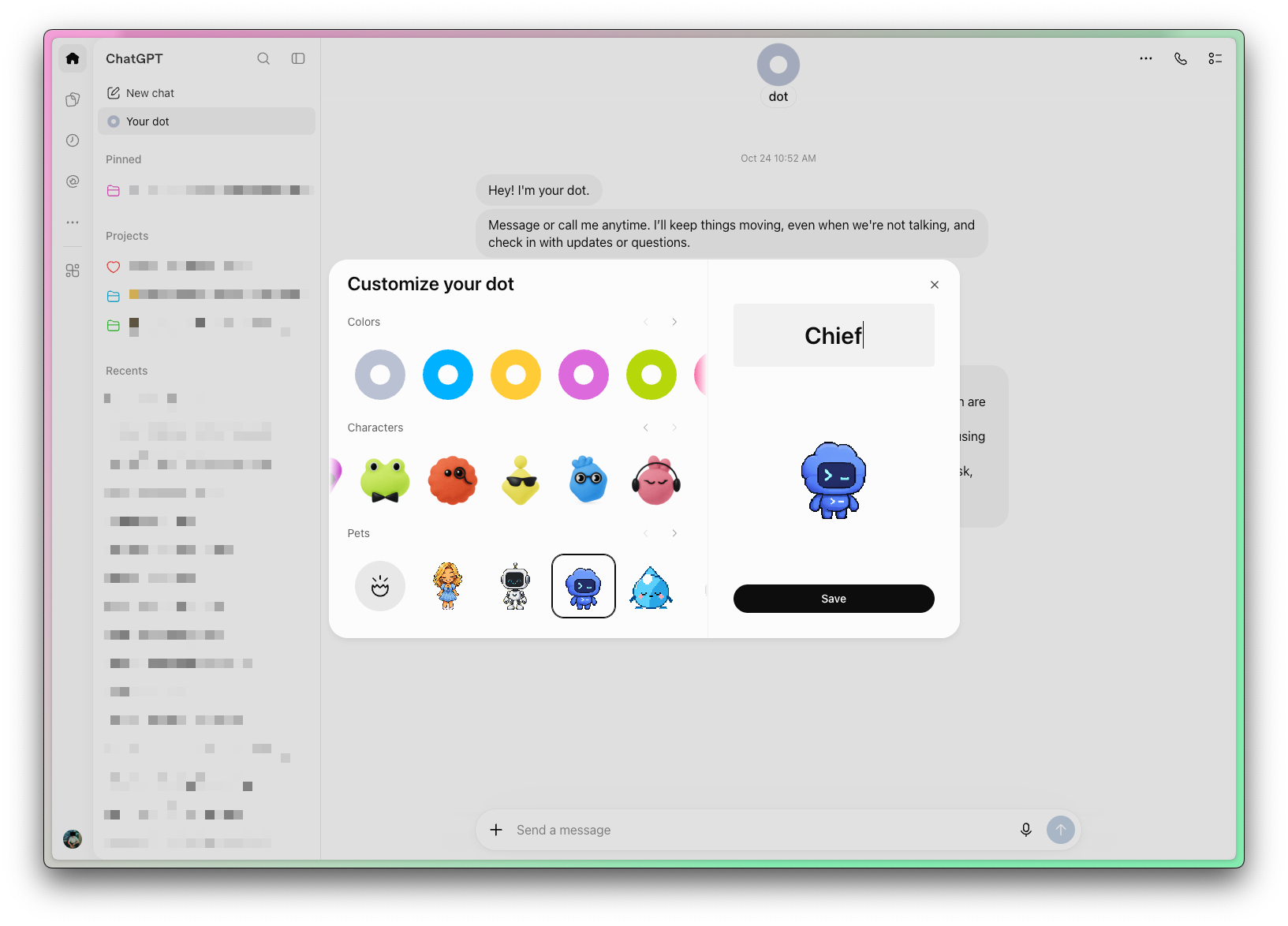
Since everyone starts with a primary Dot, it’s reasonable to customize that primary Dot first-thing. Ideally, you’ll be interacting with this Dot more than any other subagents it delegates work to.
Something that’s really cool is that if you have already set up a Codex pet, you can use your pet as the Dot profile photo.
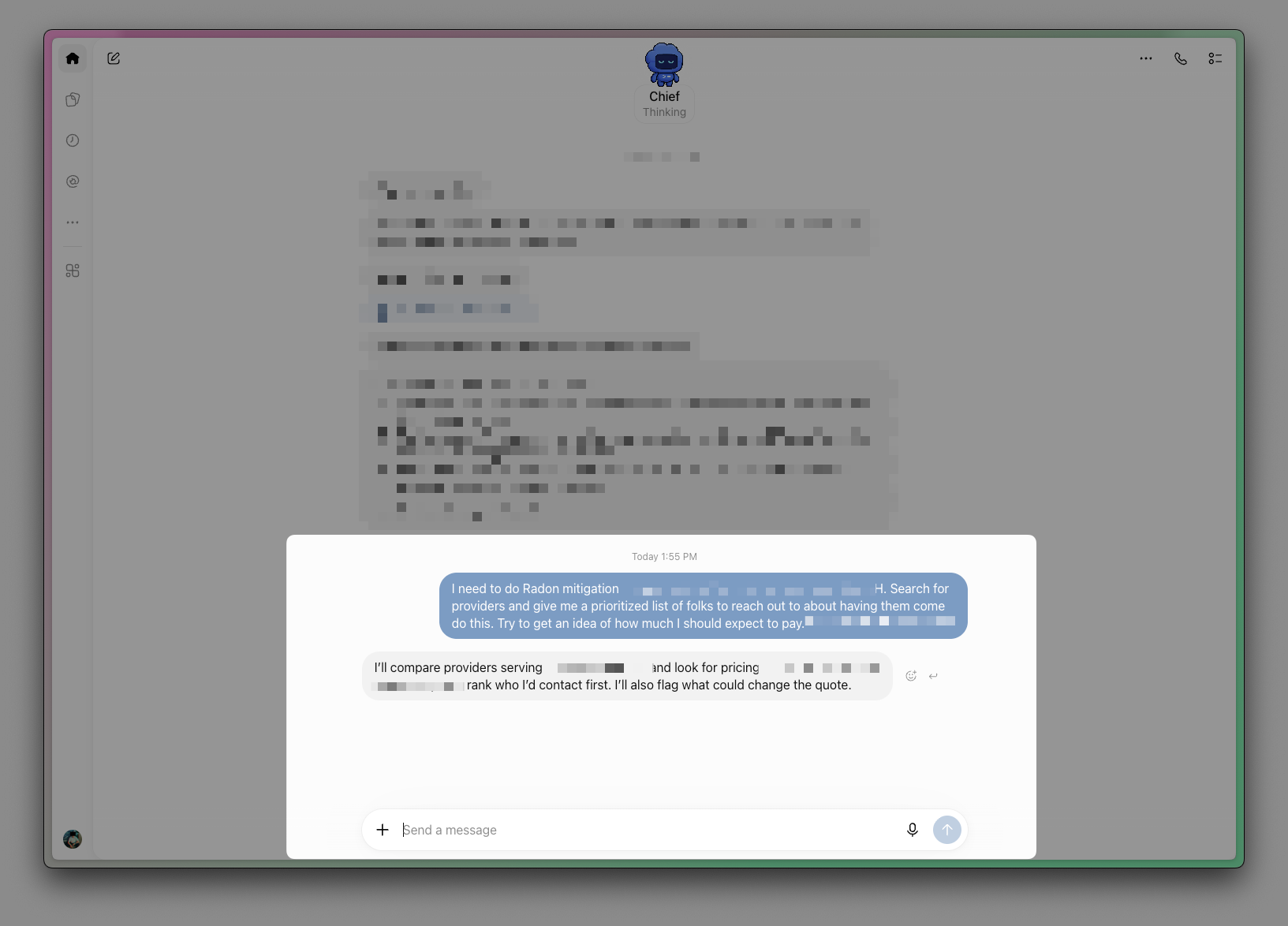
Then, try to give your Dot a task! It may take some time to get used to delegating tasks to agents instead of just asking questions of a chatbot. Readers of The AI-Augmented Engineer are used to delegating their coding tasks to AI, but Dots can help you with real-world work!
In my case, the first task I gave my Dot was to find quotes for radon mitigation for my home.
Giving Dots tools
The Radon search was useful to me, but it wasn’t exactly something that ChatGPT couldn’t have done. Dots become more useful when you connect them to more things.
Fortunately, Dots work with over 4,000 connectors or plugins! Plugins have long provided a way to get ChatGPT or Codex to agentically perform work in the software you already use. So plugins for Dots are no different.
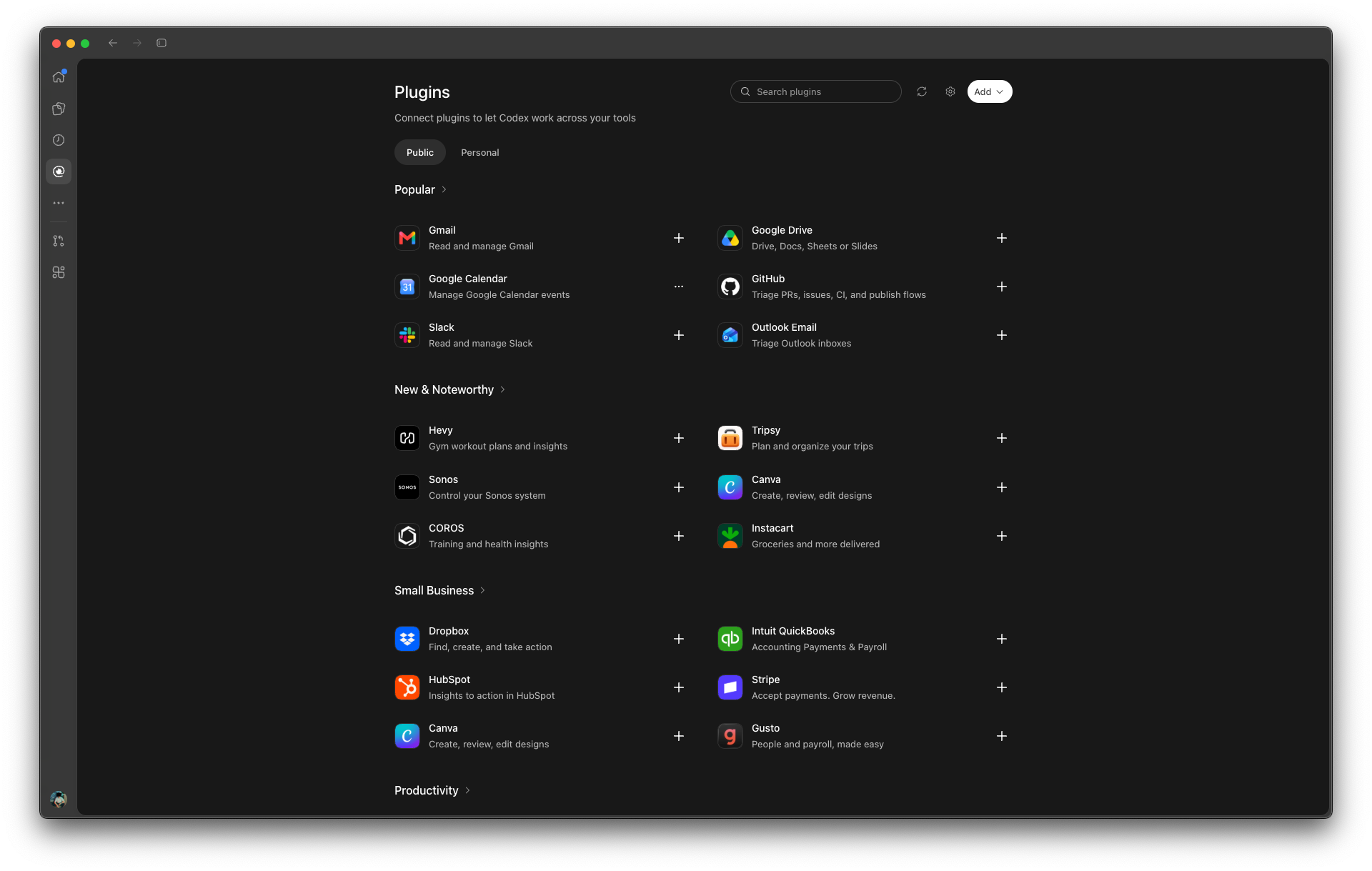
This is how Dots, ChatGPT Work, and Codex can all help you become more productive.
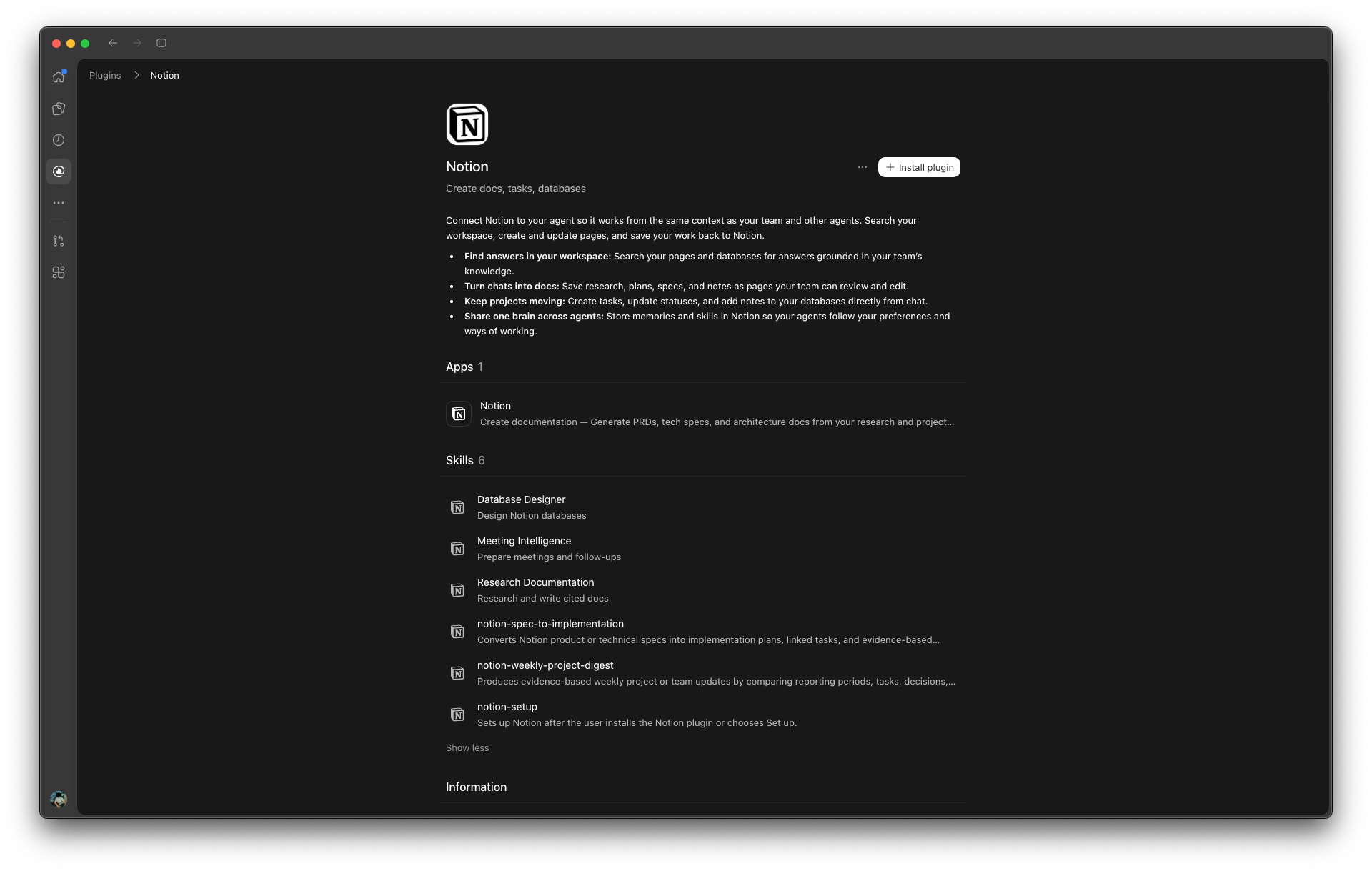
I’ll show you how to connect your Dot to notion to do some useful work! First, install the Notion plugin.
I’ve been wanting to have a better management system for my newsletter for some time, but I haven’t been able to prioritize setting it up. Right now I’m keeping track of my ad pipeline, guest posts I owe people, guest posts people owe me, all in markdown and it sucks.
So lets use Dots to fix it!
Here’s the prompt I started with:
> Right now I’m keeping track of my ad pipeline, guest posts I owe people, guest posts people owe me, all in markdown and it sucks. Use Notion to set up a workspace for The AI-Augmented Engineer Newsletter:
- space for managing ad inventory and knowing what spots I can sell and what are sold and I need to publish
- space for managing a pipeline of me writing guest posts
- space for managing a pipeline of me managing other people writing guest posts for me
- space for SOPs
- space for templates
The thing you’ll notice about Dots that contrasts ChatGPT or Codex is that it’s intentionally asynchronous. Codex has a live view of it’s work, even if it’s going to take a minute. Dots, in contrast, is meant to feel like messaging a coworker.
You can ask it to do lots of things at once, and it will delegate as it sees fit. For this task, it chose to use the main thread and the Computer use skill to just control my browser instead of using its cloud browser.
My guess is it did this because it will burn through my quota slower and I’m not on mobile, so it’s a fair tradeoff.
It was wild to see my “Chief” Dot just controlling my browser in the background, building out the Notion workspace I’ve been putting off myself.
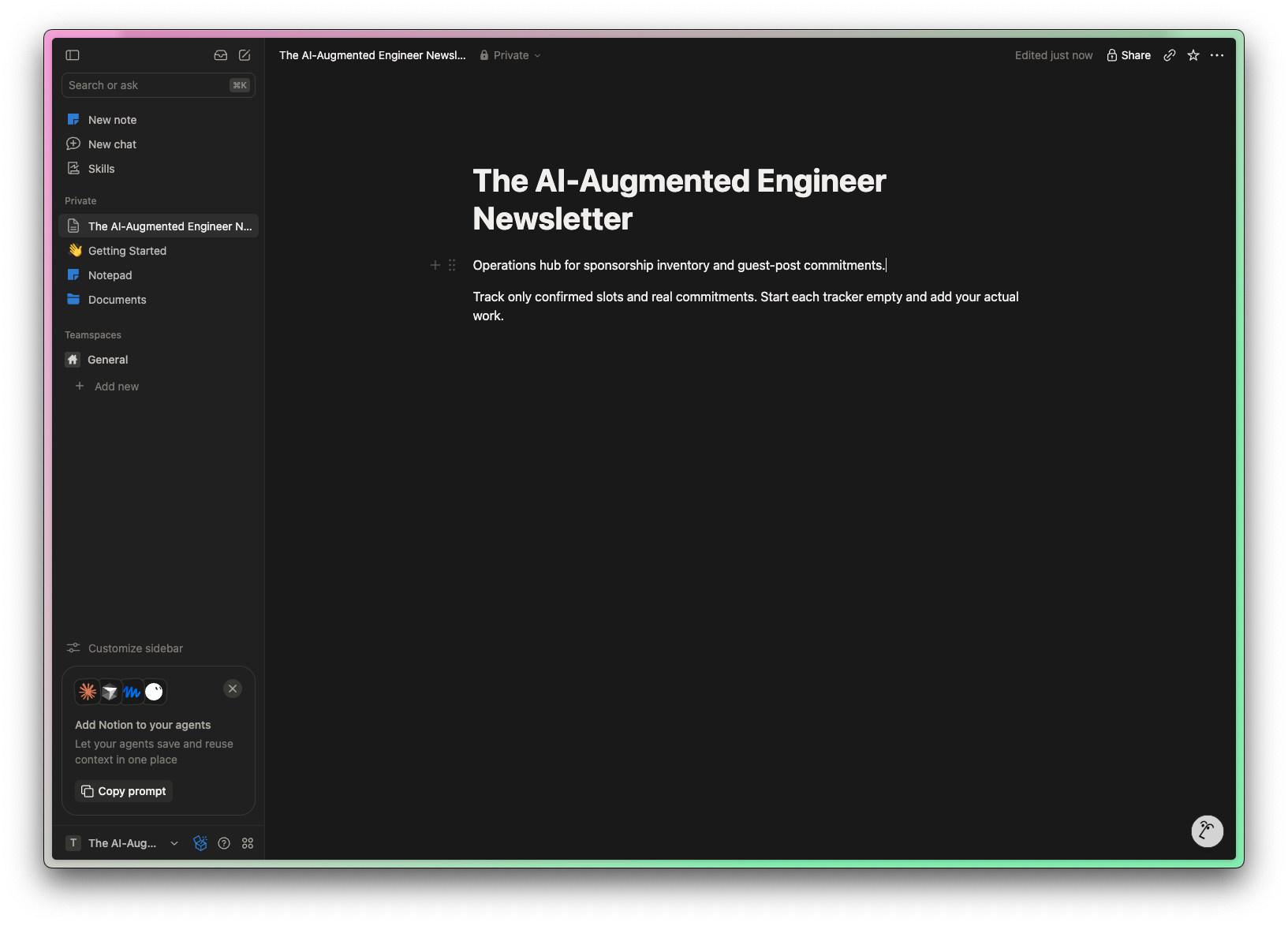
Eventually the Dot did get tired of computer use (for some reason) and swapped to the MCP, which sped things up. I think computer use has a long way to go to improve latency and therefore usability.
Within just a few minutes of connecting the MCP, I got the Notion workspace I was after.
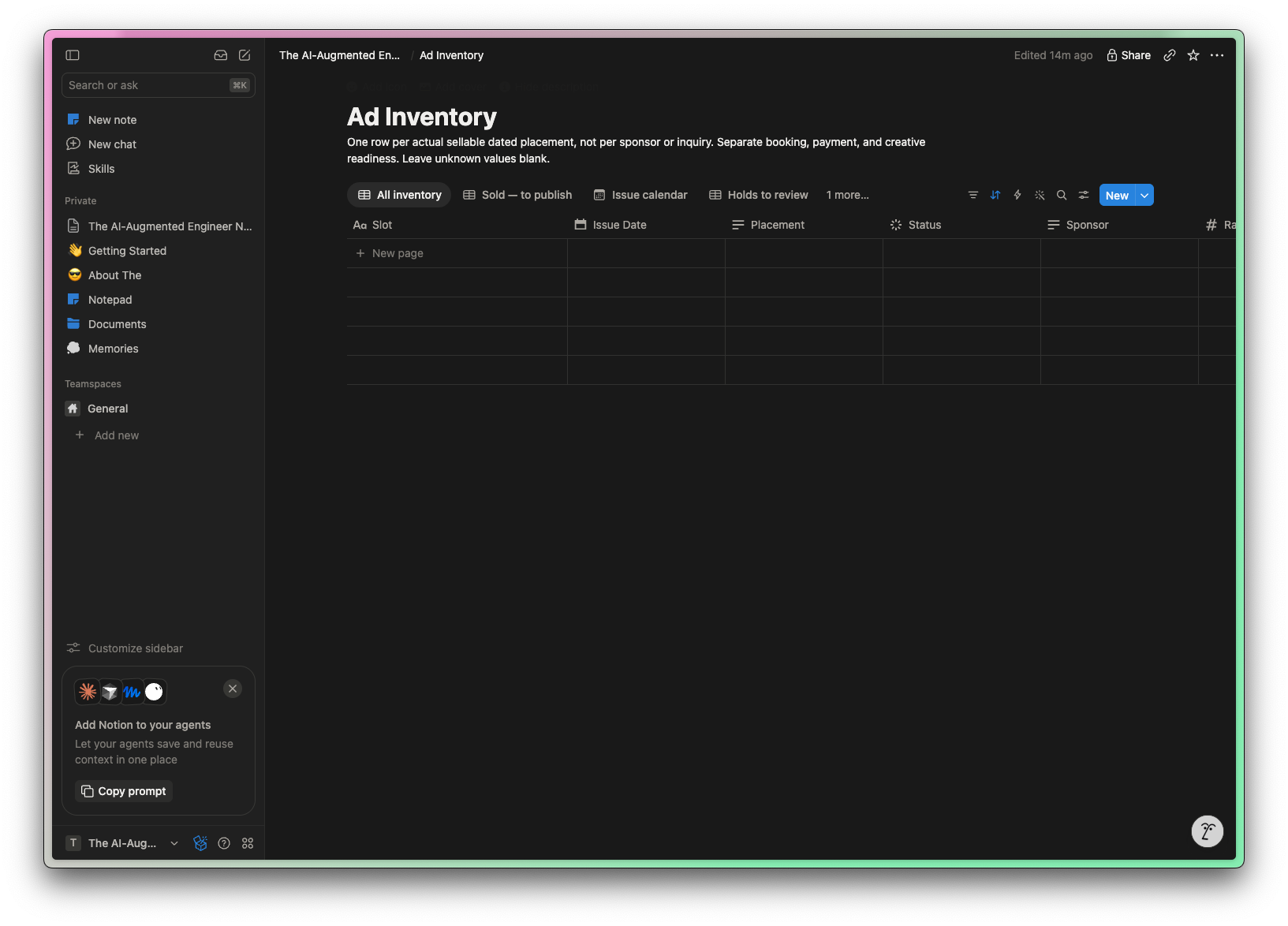
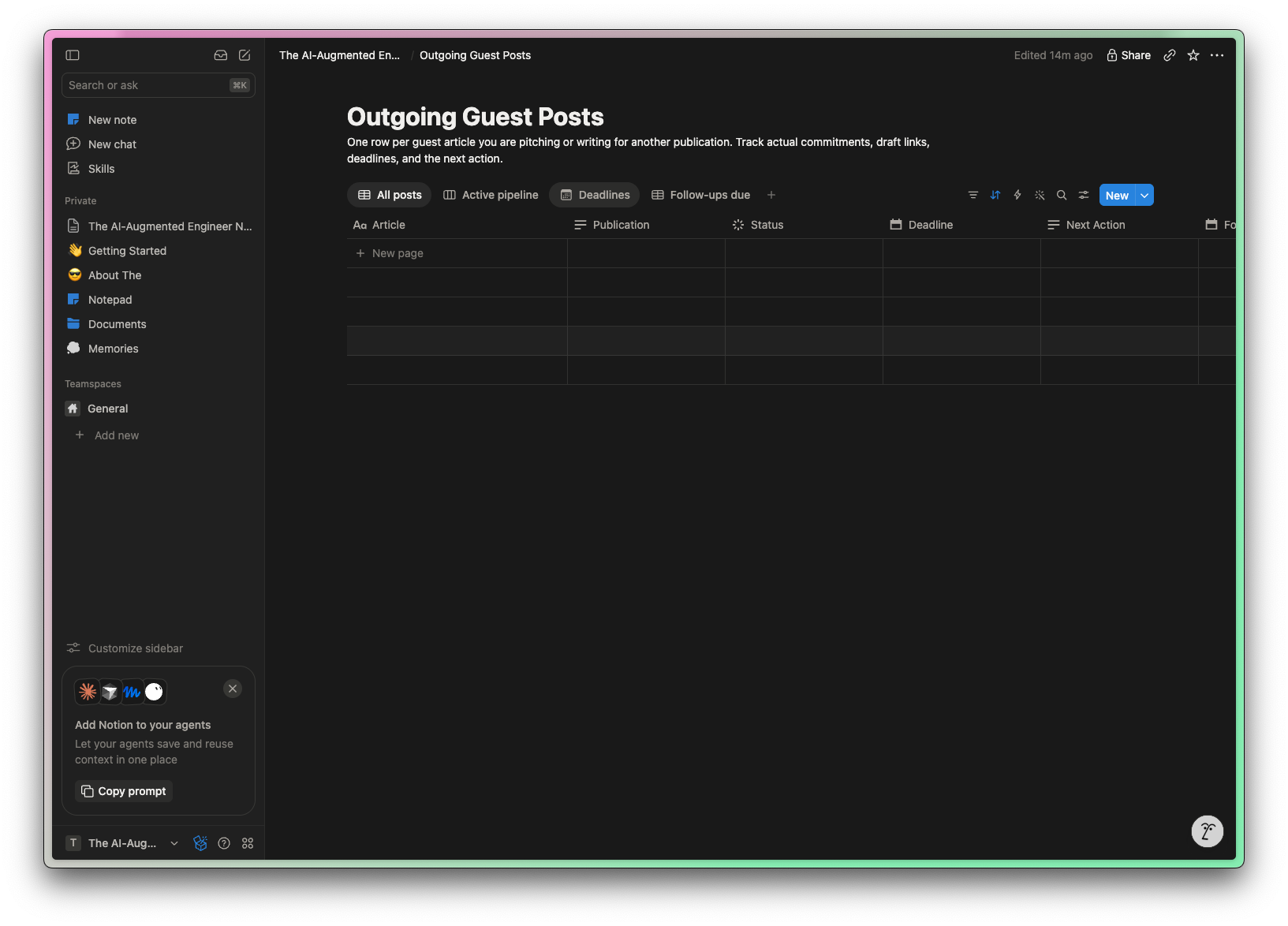
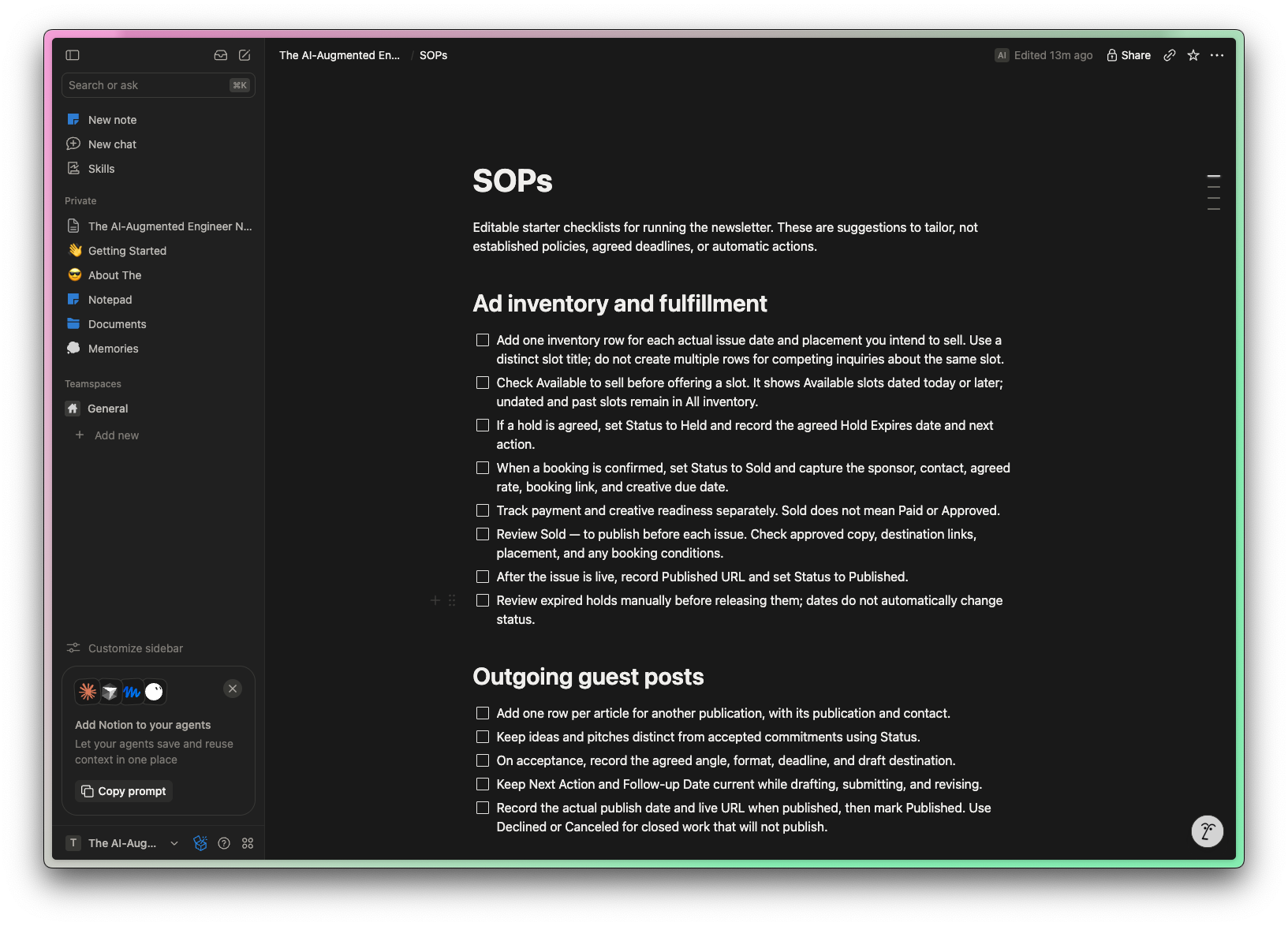
There’s still work needed from me to finalize all the SOPs and input upcoming inventory, but I think this will be useful right away.
The benefit of something like this is now I can tell my Dot to look at this to help me plan new content.
Nudges from Dots
One of the reasons Dots are so useful is that they’re always working, even if you haven’t spun them off on a particular task. They’ll use frontier OpenAI intelligence models to proactively find something useful to you.
Dots do proactive research of the information they have access to, and keep their own notes in context.
If you’re using OpenAI dots for even a few days, you’ll undoubtedly get push notifications from the ChatGPT app from your Dot trying to be helpful.
Brief bio for Jeff Morhous
Jeff is a software professional and writer of The AI-Augmented Engineer to teach people how to use AI to write better code, ship faster, and level up their careers. He writes weekly deep guides on using tools like Claude Code, Cursor, Codex, and more to build awesome apps.
My best posts
How to use Gemini Notebook to learn faster
Parallel agent orchestration with Codex