Claude Desktop, Codex, Conductor, Cursor:same layout, but here’s what it actually means.
By Ilia Karelin
Published: 2026-04-16
URL: https://prosperinai.substack.com/p/ai-agent-interfaces-converging
Here’s what I did yesterday. I opened the newly updated Claude Desktop app. Then found a screenshot of OpenAI’s Codex interface. Then found a screenshot of Conductor. Then opened Cursor.
Put them side by side.
Left panel. Input area. Output area. Minimal controls. Clean. Almost sparse.
They look nearly identical.
Here is me in Claude Code:
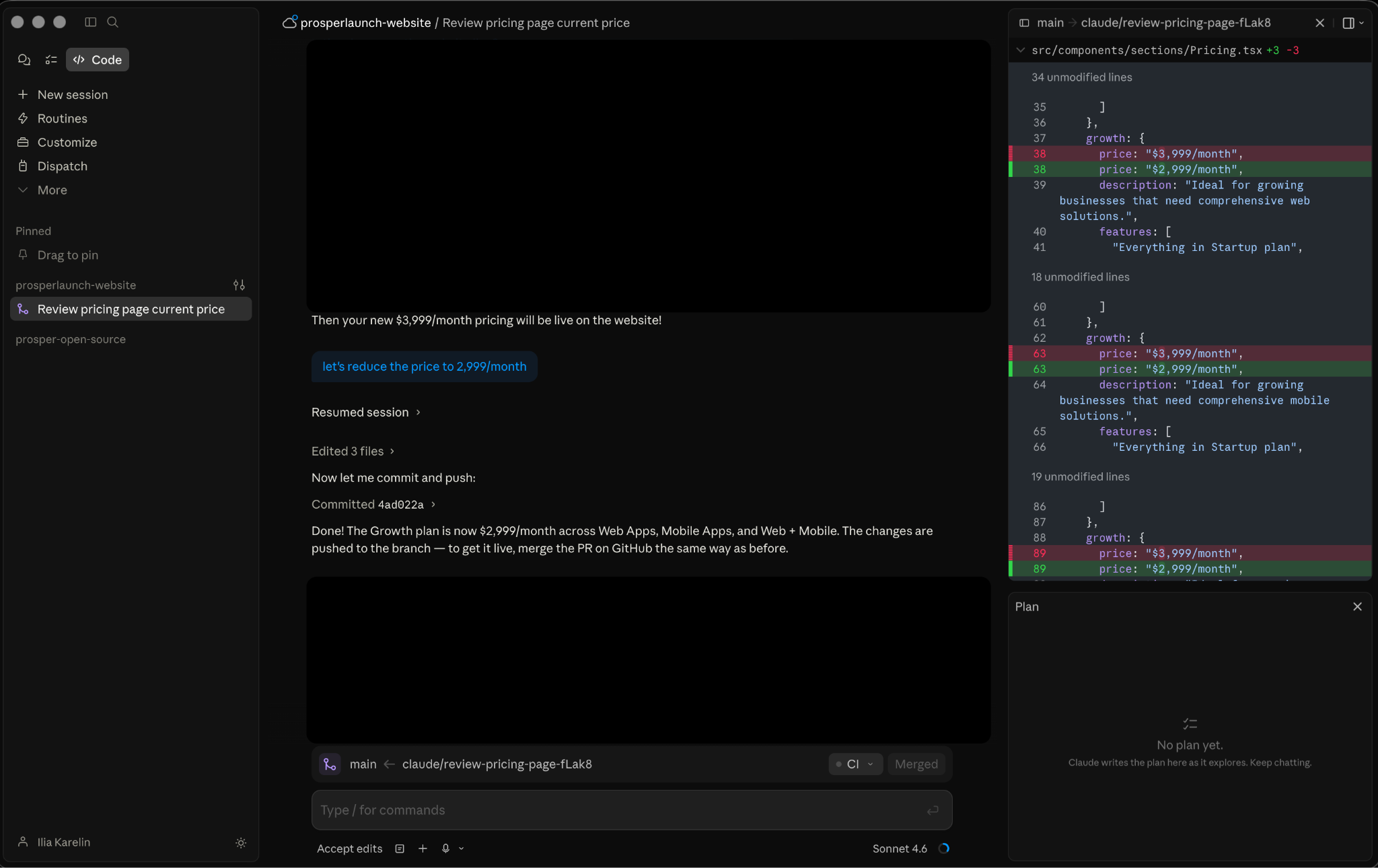 \Claude Desktop app interface, apologize for too much dark rounded squares\
Here’s Codex:
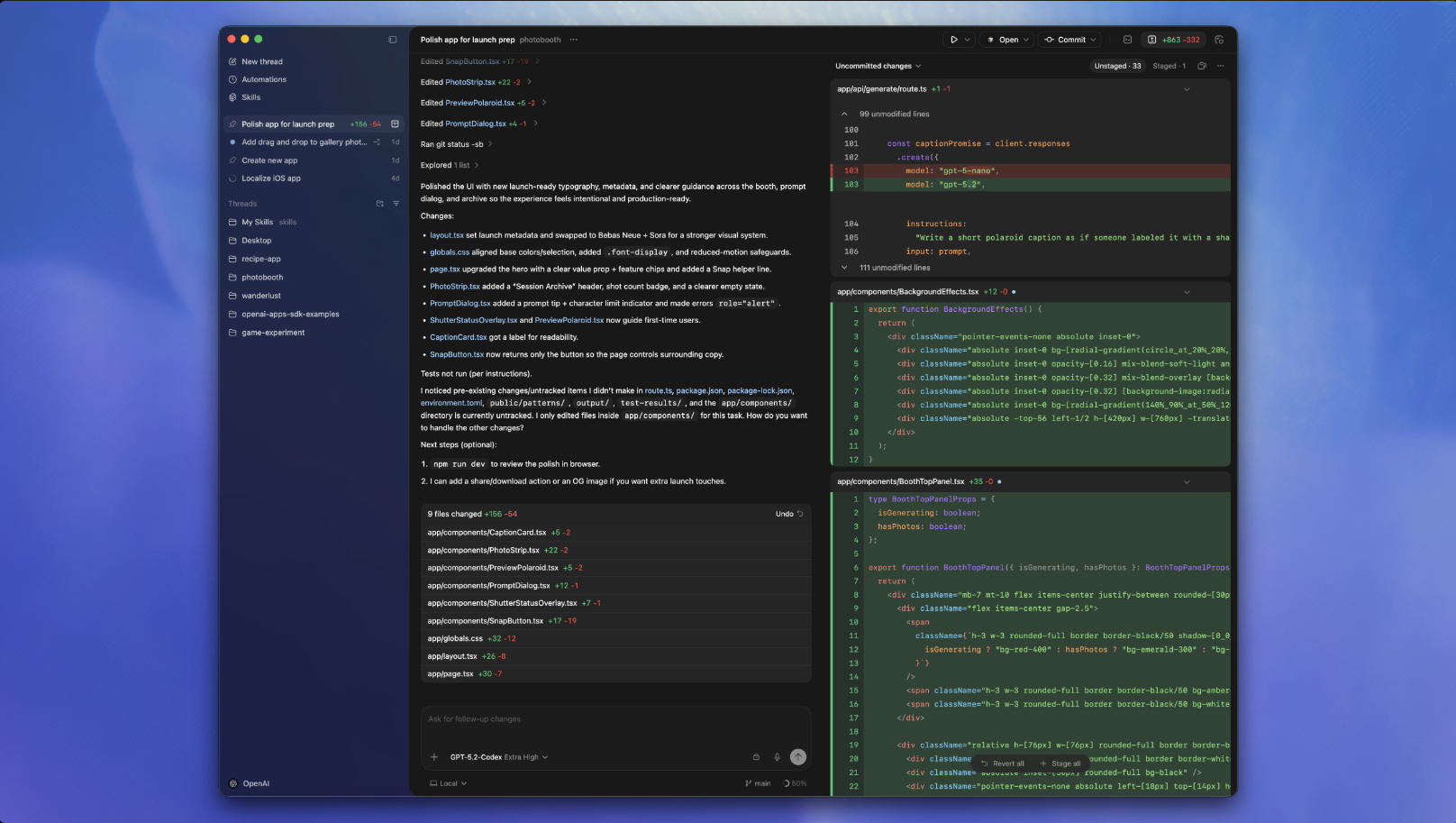 \Source\
Here’s Conductor:
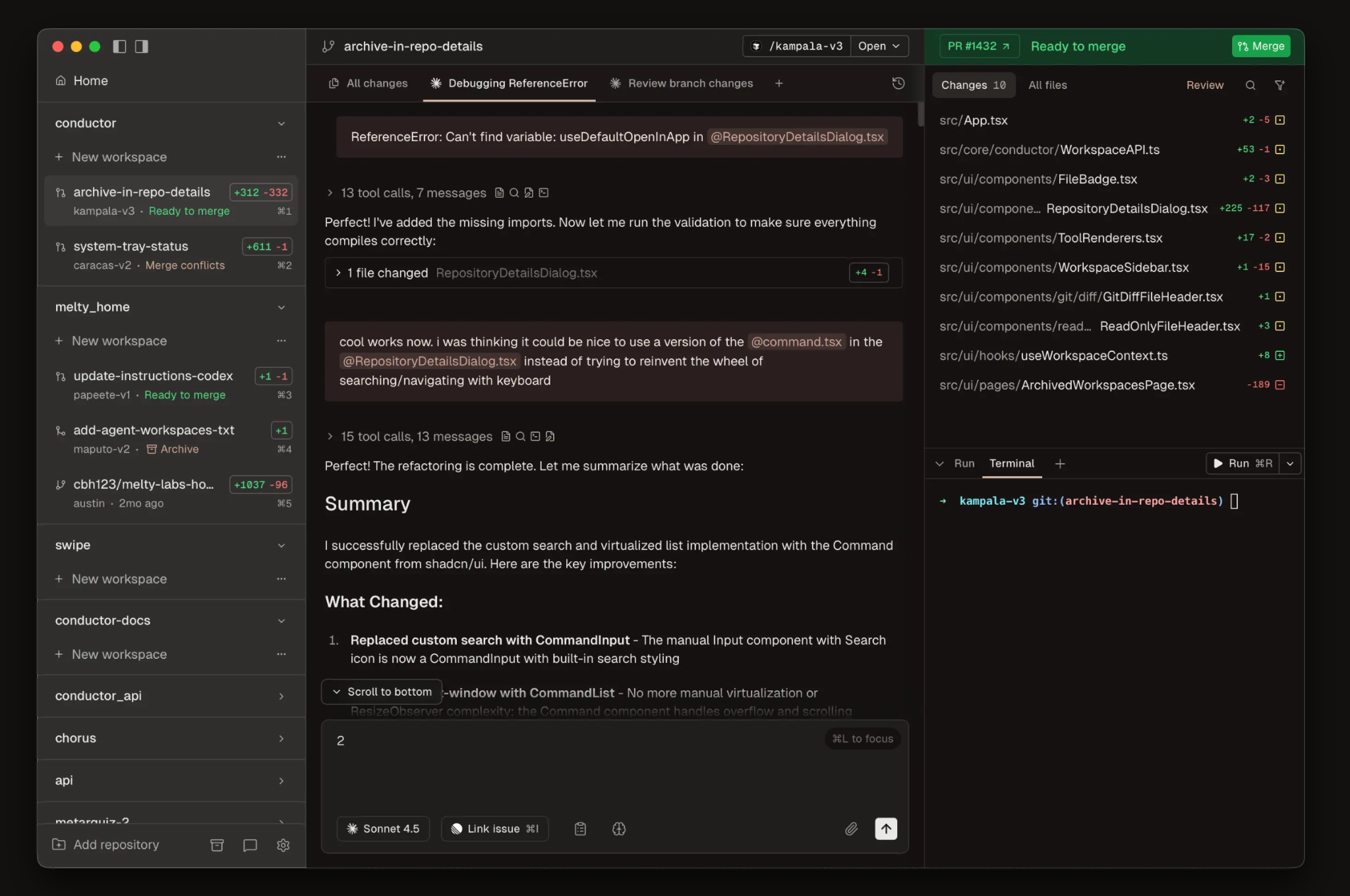 \Source\
Here’s Cursor:
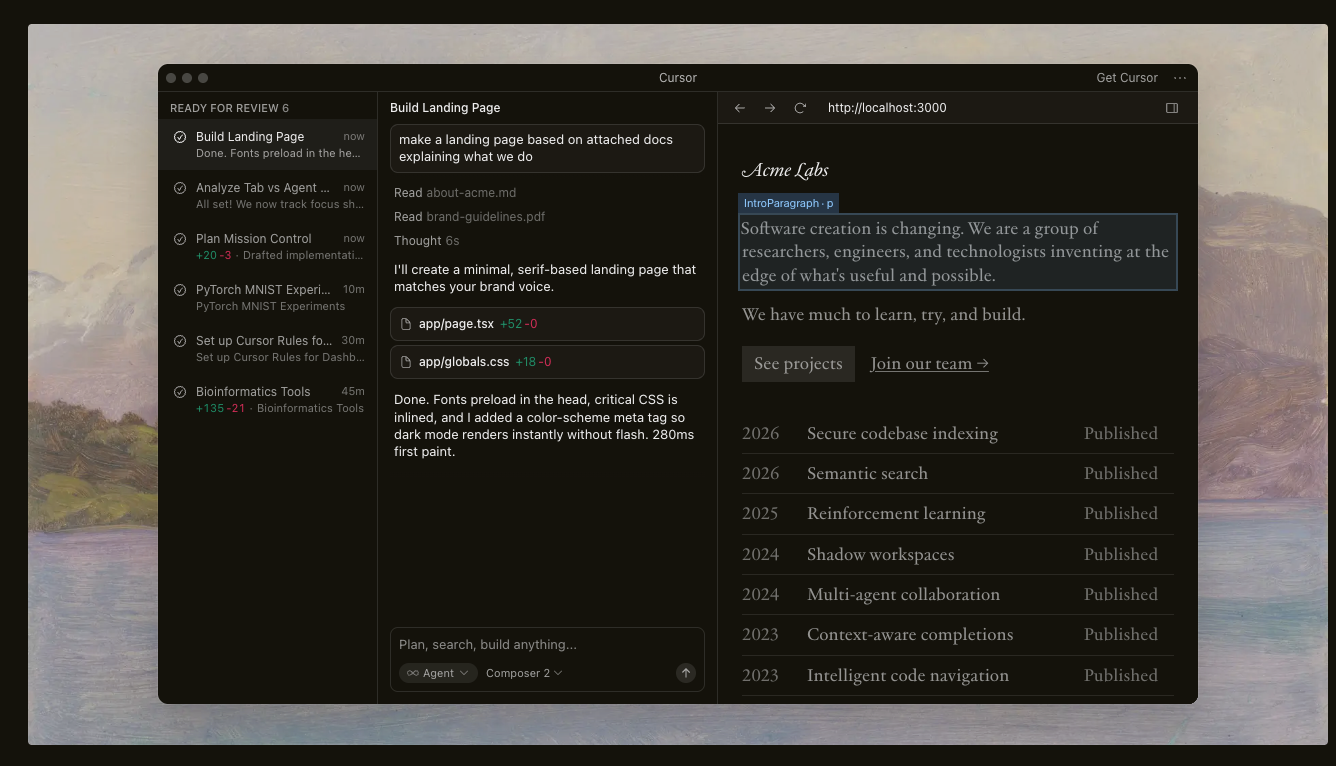 \Source\
Your first instinct might be that they’re all copying each other.
But there’s more to it.
Why every AI agent interface looks the same
When an entire category converges on the same visual language, the standard read is competition. Same market, same users, same goal, so you end up with similar interfaces. Makes sense on the surface.
 \Source\
Remember that Spider-Man meme?
But look at what these tools actually do.
All four are the same thing functionally: you give them a goal, and they manage the work required to reach it. Claude Desktop, Codex, Conductor, Cursor - different names, essentially the same job.
The interface reflects the function, and the function, for all of them, is orchestration.
The interface converged because the work model changed
The human-AI interaction pattern has shifted in the past couple of years.
2022-2023. You wrote a prompt. The model wrote text. You edited. You wrote another prompt. Repeat. Every step was manual, copy-paste code (that’s what I was doing at least).
 \Source\
2024. The models got better at following complex instructions. You started handing off longer tasks: full drafts, complete code functions, research summaries. But you still reviewed everything, corrected constantly, re-prompted constantly.
2025. You describe a goal. Agents plan the steps, execute sub-tasks, and surface only what actually needs your attention. The model decides what to write, what order to do things, and when to just proceed.
Each stage changed what you do. And in 2026 - it’s changing again.
You will be directing.
And the interfaces will keep adjusting to reflect that. Every update to Claude Desktop, every Cursor release, every new Codex feature - they’re all moving in the same direction. Less configuration, more delegation. The UI is telling you where this is going.
What directing actually means
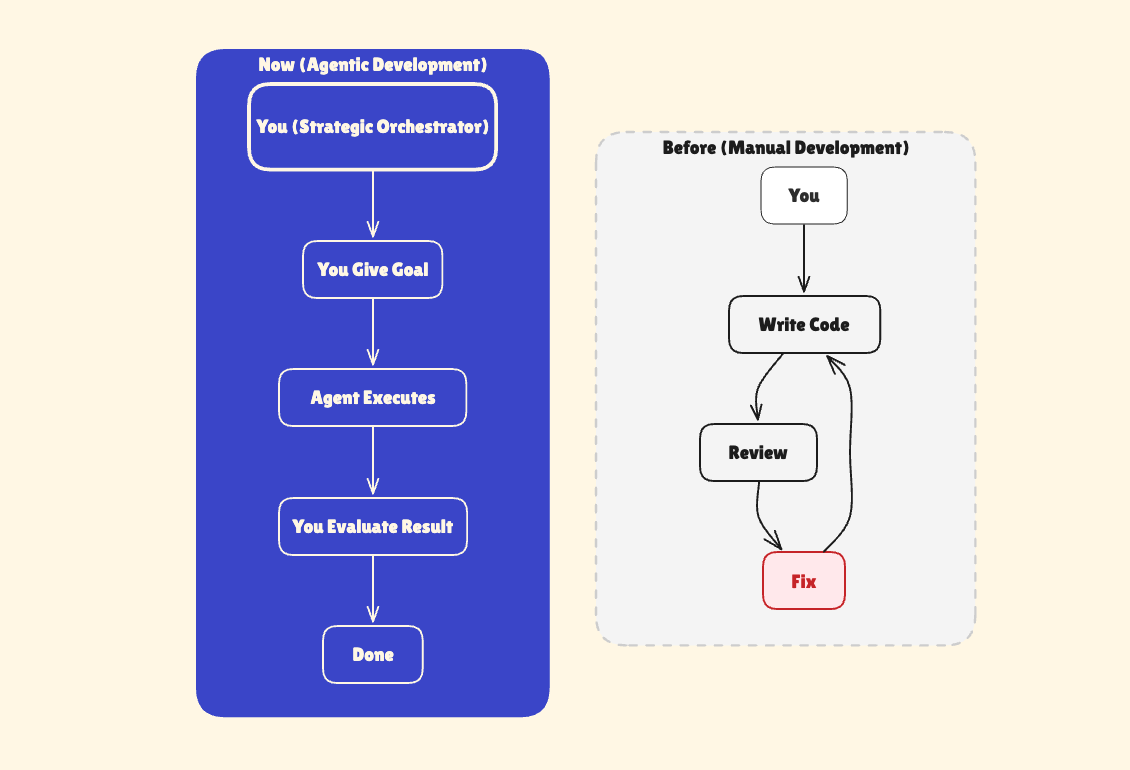
Directing is about knowing what you want clearly enough to hand it off, evaluate whether it landed, and course-correct without starting over.
It starts with how you frame the goal. Vague goal in, vague output out. The bottleneck isn’t the model anymore. Breaking a goal into work an agent can execute requires thinking clearly about what you want and in what order: what can run in parallel, what has a hard dependency, where the agent needs your call and where it should just proceed.
Then there’s evaluating what comes back. Reading agent output like an editor misses the point. The question is whether the agent did what you actually needed, without creating problems you’ll find later.
You can only ask that question well if you understand the domain. The agent can execute. It can’t tell you whether the outcome was actually right FOR you and your business.
When something’s off, re-prompting usually isn’t the fix. Going back to the original instruction and finding the gap is.
This is closer to how a project lead thinks than how a prompt engineer thinks: clear on the goal, specific about constraints, focused on outcomes.
Agent orchestration is where the work is going.
The interfaces are already showing you that. Your judgment—what to build, whether it worked, what to fix—is the part that matters even more now.
If this resonated, forward it to someone building with AI who’s thinking about where the work is actually going!