Published: 2026-11-12
URL: https://aiworkflowsforteachers.substack.com/p/i-asked-strawberry-browser-to-build
*Partnership Post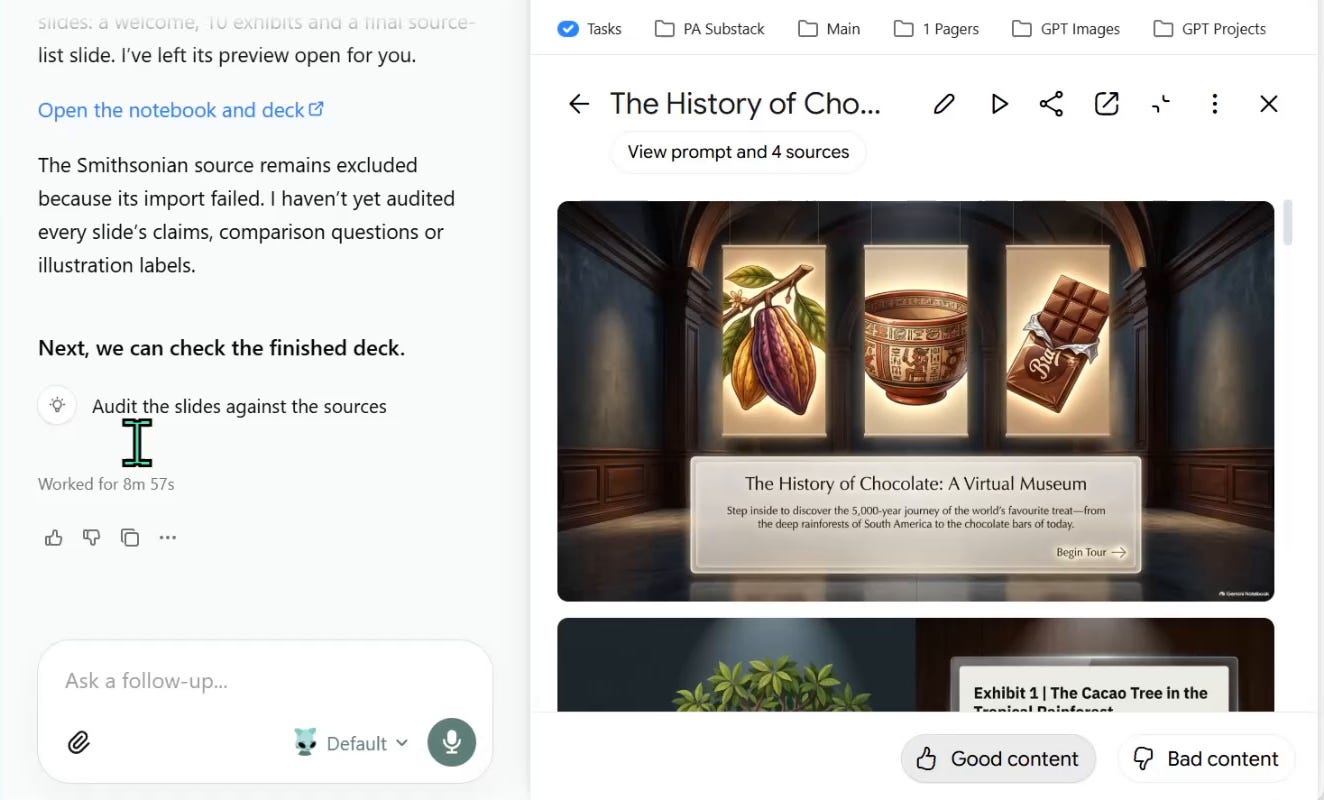
AI for Teachers is a reader-supported publication. To receive new posts and support my work, consider becoming a free or paid subscriber.
Time: 30–45 minutes, estimated | Level: Intermediate | Platforms: Strawberry Browser → NotebookLM
Before you start
You are the operator. You need Strawberry Browser, a Google account with access to NotebookLM, and a year level in mind.
Google’s help pages call NotebookLM Gemini Notebook, so you may see either name. The slide deck feature and usage limits can vary by account. Google documents PDF and PowerPoint downloads for generated decks. Gemini Notebook Help
The finished product is a slide deck organised as a virtual museum. Students move through the exhibits as a presentation or PDF; this workflow does not create a navigable 3D museum.
If you already have a suitable source collection, start with the notebook step. If you already have a notebook with checked sources, start with the slide deck.
Route: Strawberry Browser researches and organises sources → NotebookLM holds the sources and generates the exhibits → a checked slide deck is saved for classroom use.
Teach me about the prompt
A browser agent can work across websites, but it still needs a clear destination. “Research chocolate” could produce a long summary, a list of links or a presentation. The prompt below names the intended result: a notebook with a small source collection and a museum-style slide deck.
I have a research agent already setup, that understands how I look for information and ensure that it is correct through verification systems.
The source instructions shape the research. Asking for museums, universities and other reliable institutions gives Strawberry a starting point, while asking it to explain each source’s contribution gives you something to review. A museum collection, for example, might include an image of an object alongside an explanation written by a curator. Those are different kinds of evidence: the object survives from a particular time and place, while the curator interprets it using available research.
The prompt also asks for different perspectives. A collection containing only histories of European chocolate-making could leave students with little information about the people who used cacao before it reached Europe. You can check the proposed sources for those gaps before asking the agent to build the notebook.
The slide instructions give each exhibit a consistent structure: an object or visual focus, a short label and a question. The comparison questions need two identifiable sources. A question such as “What does each source tell us about cacao?” is a start, but it becomes more useful when students know which sources to open and what aspect to compare.
The agent is also asked to report gaps. If the sources do not support an exhibit about a particular period or place, it should identify the missing evidence instead of filling the space with a plausible story. You remain responsible for opening the sources and checking the finished slides.
The Learning Experience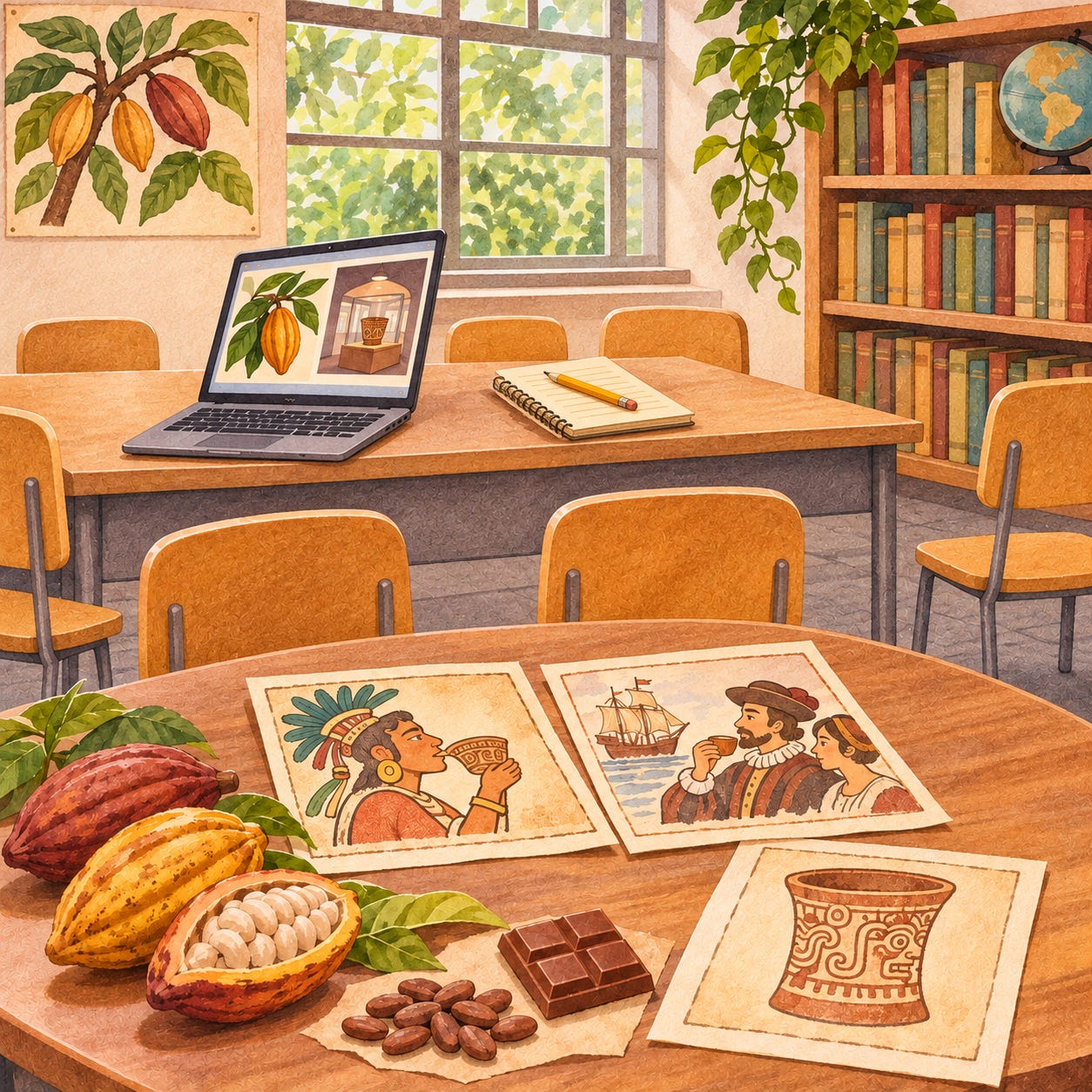
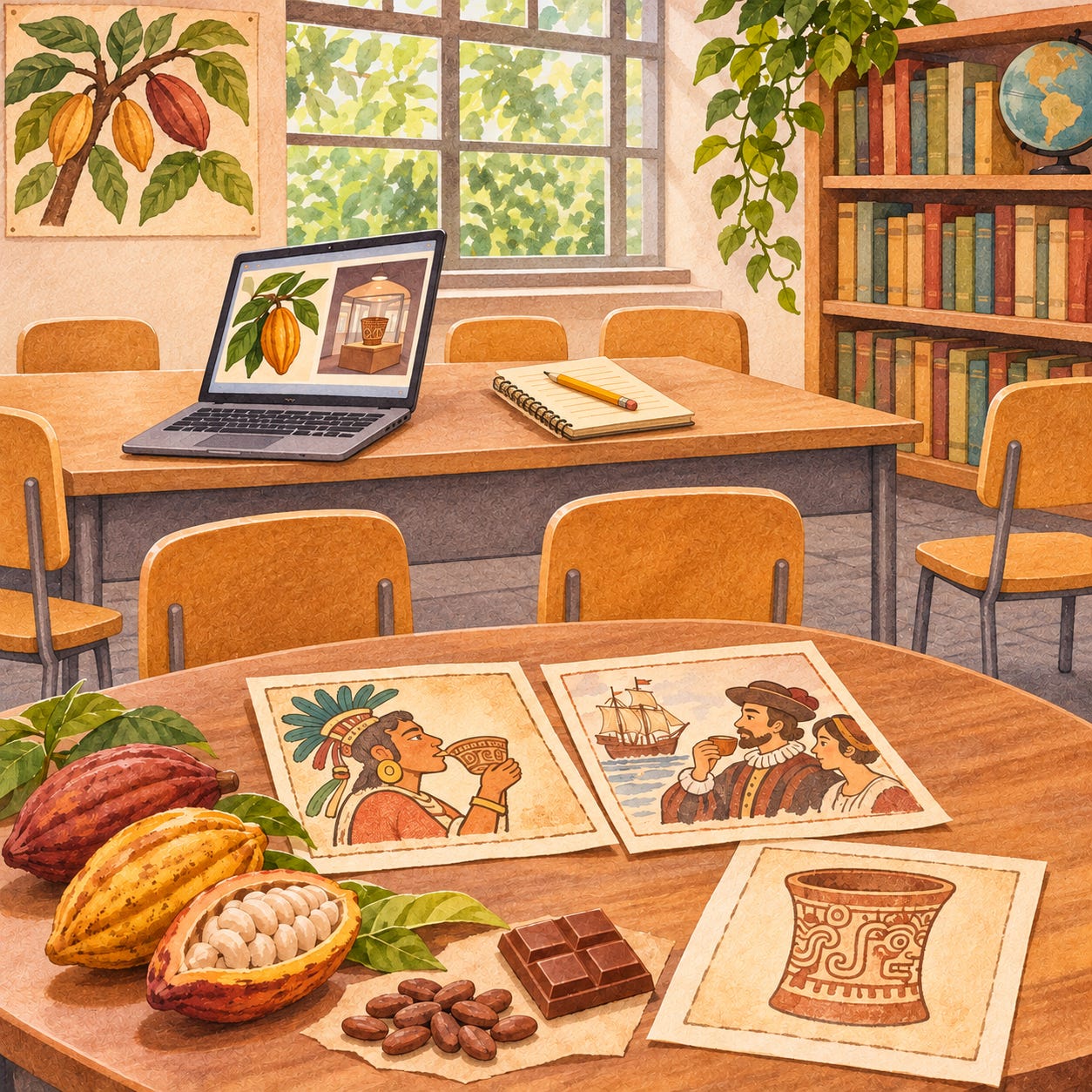
The mission: Students work in small groups as museum curators. Each group investigates one part of chocolate’s history and creates an exhibit that helps visitors understand how people used, traded or represented cacao.
Driving question: How can we use historical sources to tell a fuller story of chocolate?
Learning goal: Students will be able to compare two sources and explain how each contributes to an account of cacao’s history.
The final product: A student portfolio
Each student creates a portfolio entry about their group’s exhibit. The entry can sit alongside the class museum slide deck and should include:
-
The exhibit title and the question it explores.
-
Two sources, identified by title and organisation.
-
One detail from each source.
-
An explanation of what the sources show together and one difference in their focus.
-
A reflection on one change the student made after feedback.
Ideas for portfolio products
Students can choose a format that suits how they communicate:
-
Written curator’s note: A short explanation with source references.
-
Audio guide: A recorded explanation accompanied by a written source list.
-
Annotated exhibit: A slide or drawing with captions pointing to evidence from both sources.
-
Video walkthrough: A narrated tour of the exhibit with the source details visible on screen.
Suggested learners: Years 5–8, adapted to reading level and prior knowledge. Students should have practised finding information in a source and identifying its author or organisation.
How the mission unfolds
-
Investigate. Introduce the class museum and let each group choose an exhibit topic from the teacher-approved sources. Students record who created each source and what it shows.
-
Compare. Students select one detail from each of two sources. They discuss what the details add to their account and whether either source leaves questions unanswered.
-
Create. Groups draft an exhibit label, choose or describe a visual and write a question for visitors. The teacher can use the NotebookLM workflow to help assemble the class deck.
-
Review and improve. Groups exchange exhibits. Partners check whether the claims match the sources and whether the visitor question can be answered using them.
-
Share and reflect. Present the museum to another class or a partner group. Students add their evidence, revisions and reflections to their individual portfolios.
The teacher’s role: Select and check the sources, model how to distinguish an object from an interpretation, and provide feedback on students’ use of evidence.
The students’ role: Choose evidence, compare sources, write the exhibit and decide how to revise it. Students should make the historical claims themselves, even if AI helps organise the presentation.
Evidence of learning: Look for a relevant detail from each source and an explanation of how the details contribute to the exhibit. Ask: “What does your second source add that a visitor would not learn from the first?”
Adapt the mission: Provide two short, preselected source extracts for students who need reading support. To extend the task, ask students to consider why the sources emphasise different aspects of the story.
If students use the platforms themselves, check age requirements, school policies and privacy settings first.
Steps
Step 1: Find and review a small source collection
Platform: Strawberry Browser
Do this: Open Strawberry and start a task with its browser companion. Enter your year level in the prompt below. The first stage asks for a proposed collection so you can review it before the notebook is built.
AI prompt: Use with Strawberry Browser
Starter template: fill in the [BRACKETS].
Help me prepare a virtual museum about the history of chocolate for
[YEAR LEVEL] students.

First, search the web for 4 to 6 accessible, reliable sources. Prefer
museums, universities, research institutions and other organisations
with relevant expertise. Look for sources that can help students
investigate:

- Indigenous histories and uses of cacao in the Americas.
- How cacao and chocolate moved between places and changed over time.
- Chocolate production or trade, including the people involved.

Include different perspectives where available. Look for at least two
sources that discuss a related topic so students can compare them.
A useful starting point is the Smithsonian's chocolate collection:
https://www.si.edu/spotlight/chocolate

For each proposed source, give me:

1. Title, organisation and direct link.
2. What it contributes to the museum.
3. One possible exhibit or comparison question it could support.
4. Any access problem, reading difficulty or significant gap.

Open each source and check that it is relevant. Do not invent quotations,
dates, objects or claims. Distinguish historical objects or records from
later interpretations when the source makes that possible.

Present the proposed collection and wait for my review before creating
the notebook.
You should have: A list of links, proposed uses and any identified gaps.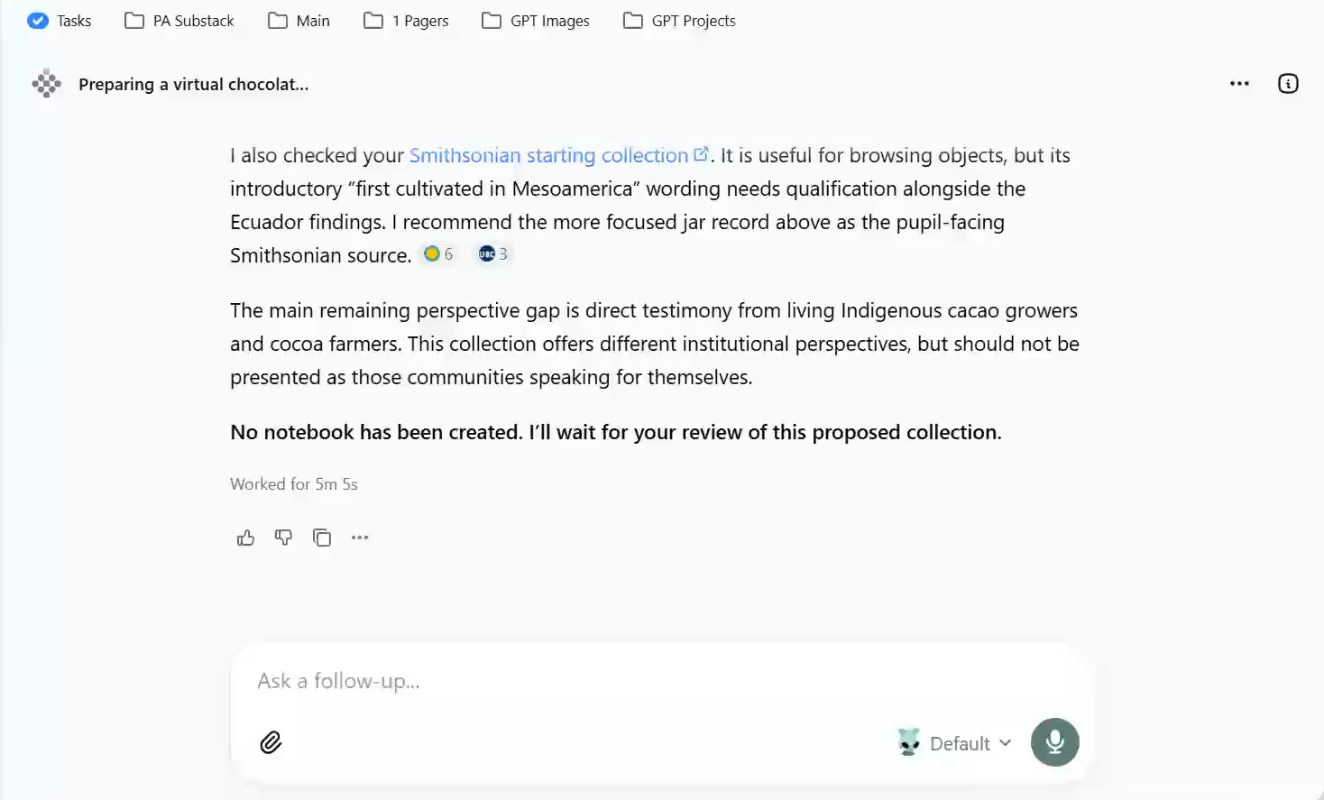
Check before continuing: Open each source. Confirm that it loads, supports the proposed exhibit and is appropriate for your students. Check that at least two sources cover a related topic and can support a comparison.
Take to the next step: Keep the approved source links and the Strawberry conversation open. Tell the companion which sources to use.
Step 2: Create the notebook
Platform: NotebookLM, opened through Strawberry Browser
Do this: Continue in the same Strawberry task. Sign in to Google yourself if prompted, then give the companion your approved source list.
AI prompt: Use with Strawberry Browser
Starter template: fill in the [BRACKETS].
Use these teacher-approved sources to create a Gemini notebook called
"The History of Chocolate: A Virtual Museum".

Approved sources:
[PASTE THE REVIEWED SOURCE TITLES AND LINKS]

Open https://notebooklm.google.com/ and create the notebook. Add each
approved source using the available source controls. Check that each
source appears in the notebook and that its content is available.

Report the notebook link, the sources successfully added and any source
that could not be imported. Do not replace a failed source without
telling me. If you cannot complete a step, tell me where you stopped
and give me the manual action needed.
You should have: A notebook containing the approved sources that imported successfully.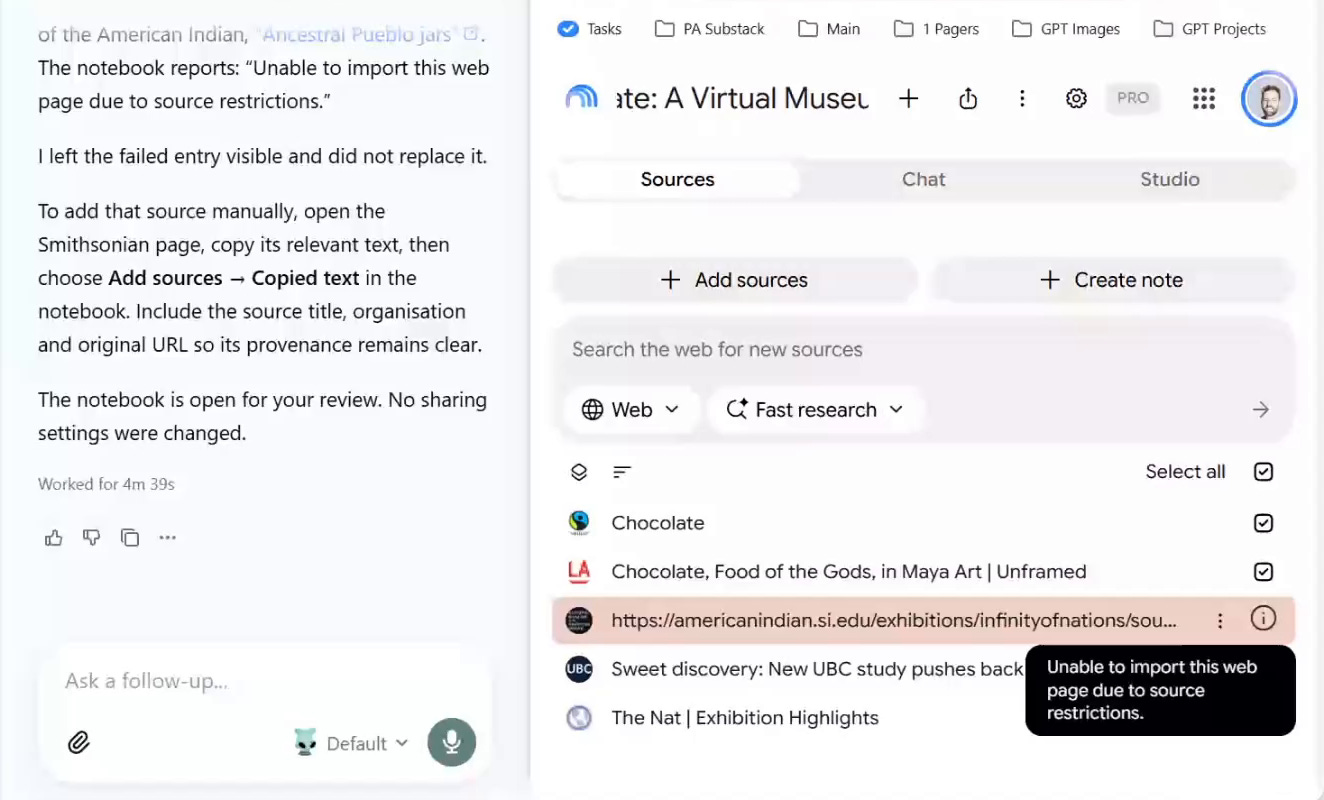
Take to the next step: Keep the notebook open and use its checked sources to generate the museum deck.
Step 3: Generate the museum exhibits
Platform: NotebookLM Slide Deck
Do this: Ask Strawberry to open the notebook’s Studio panel and generate a Slide Deck using the prompt below. You can also enter the prompt yourself in the Slide Deck customisation field. Use the available equivalent controls if the labels differ.
AI prompt: Use with NotebookLM Slide Deck
Starter template: fill in the [BRACKETS].
Open the notebook’s Studio panel and generate a Slide Deck using the prompt below. Create a visual slide deck for [YEAR LEVEL] students called
"The History of Chocolate: A Virtual Museum".

Use only the sources selected in this notebook for historical claims.
Organise the deck as a sequence of museum exhibits. Let the available
evidence determine which exhibits you can support.

Begin with a welcome slide and finish with a source list. For each
exhibit:

- Give it a short, clear title.
- Include a visual focus, such as an object, place or process supported
by the sources.
- Write a concise museum label explaining what visitors are looking at.
- Identify the source or sources used for the exhibit.
- Add a question that asks visitors to notice, investigate or compare.

Include at least two questions that name two sources and ask students
to compare what they show or emphasise. Use clear language and readable
text suitable for the year level.

Represent Indigenous peoples as distinct communities where the sources
provide that detail. Include people involved in growing, making or
trading cacao where supported. Do not invent historical objects,
quotations, dates or claims. Flag a gap if the sources cannot support
a requested part of the story.

Use a museum-inspired visual style with clear exhibit headings, short
labels and uncluttered slides. Treat generated illustrations as
illustrations, not photographs of verified historical objects.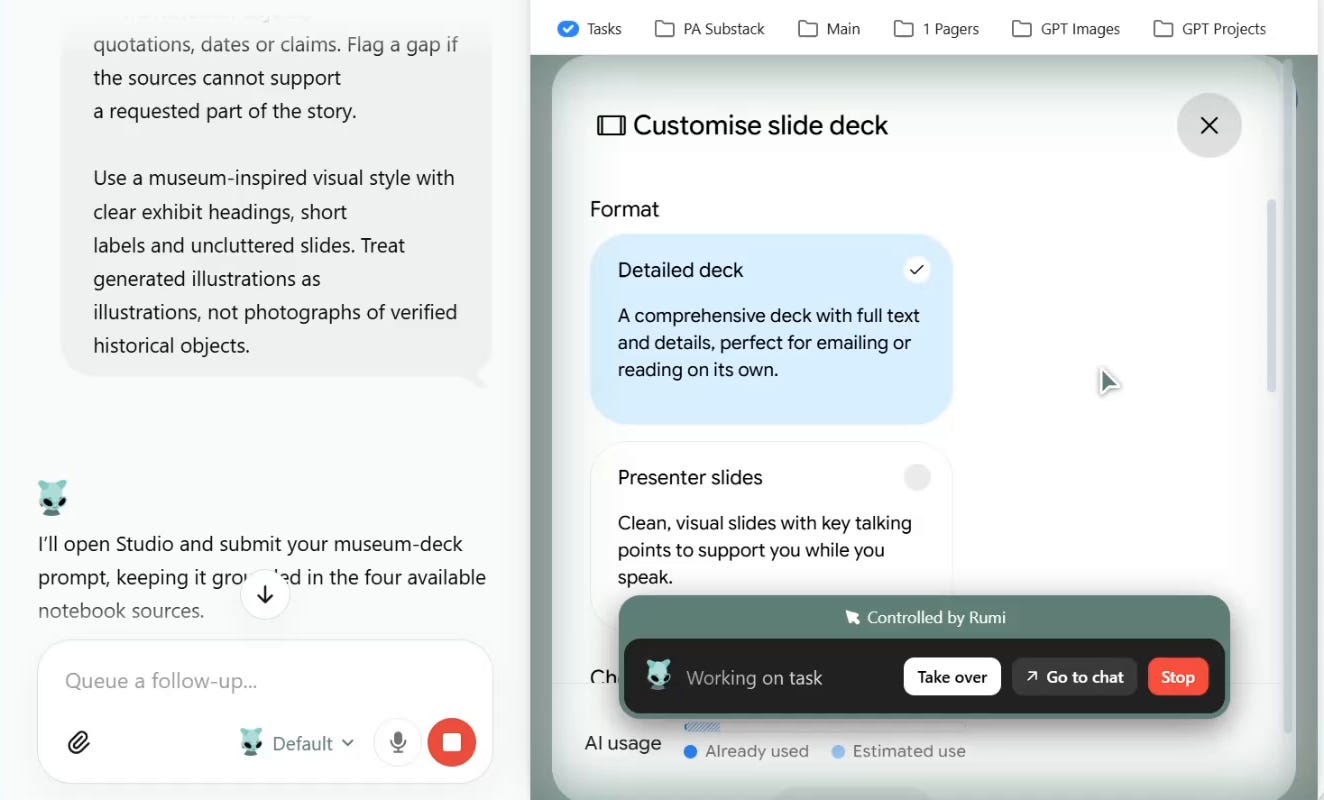
You should have: A generated deck with a welcome, a sequence of exhibits, source references and comparison questions.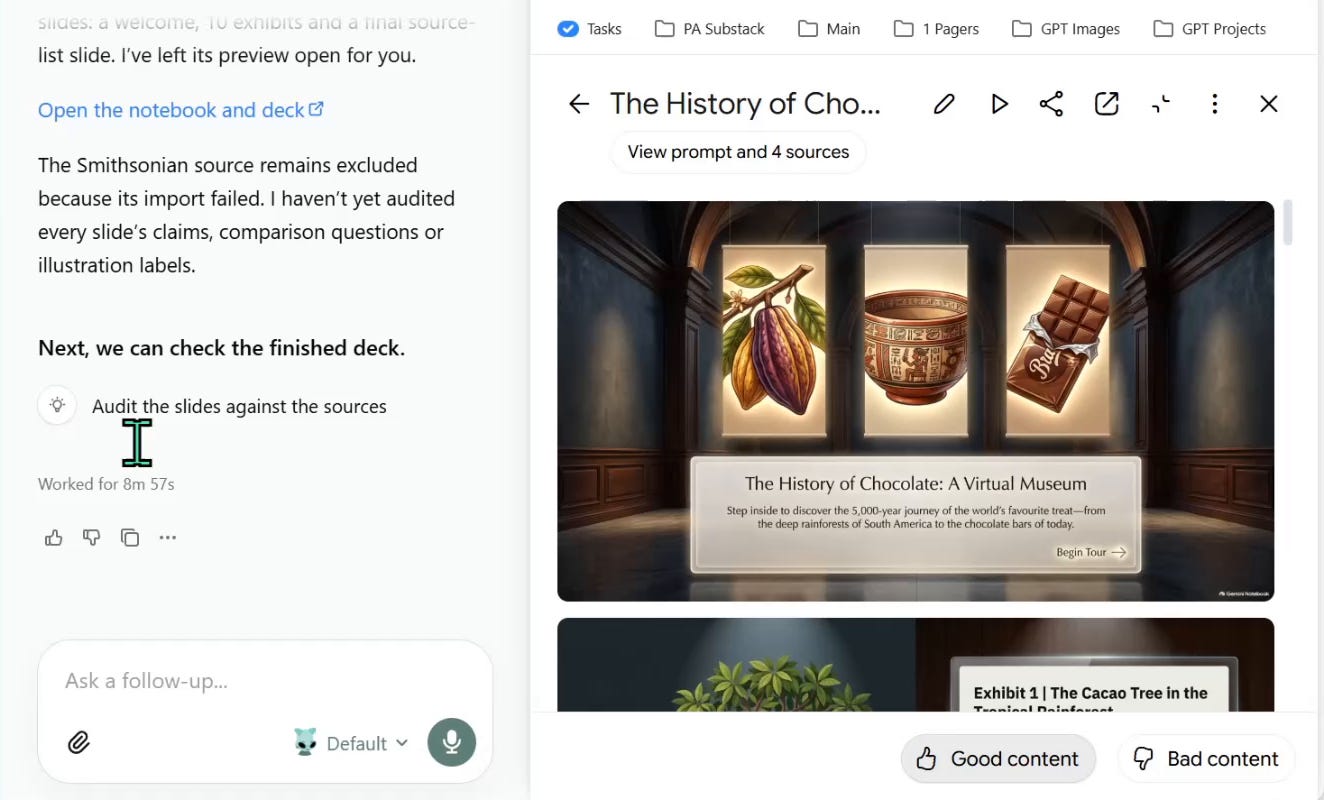
Completion check
-
The notebook contains a small collection of accessible, relevant sources.
-
The exhibits reflect what those sources actually say.
-
At least two questions ask students to compare named sources.
-
Historical objects and generated illustrations are clearly distinguished.
-
The downloaded deck is readable and suitable for the intended students.
My next test is to try and have strawberry browser use a google doc to try and shape a vision.
You really can hand it off and it can use skills and things to do research the way you want, and sit around pressing buttons too.
Phil