It's called Jev: it doesn't write, it chooses. What people already use it for, why it got copied in 8 days, and where it can betray you.
By Matteo Arnaboldi
Published: 2026-09-30
URL: https://aiespressotechbrew.substack.com/p/34-the-most-talked-about-ai-of-the
Out there, this month, everyone's hunting for the most brilliant chatbot. The one that writes better, reasons harder, agrees with you more graciously.
In here, today, I'm serving you the opposite.
The most talked-about AI model of September can't write a sentence. Not even… "good morning."
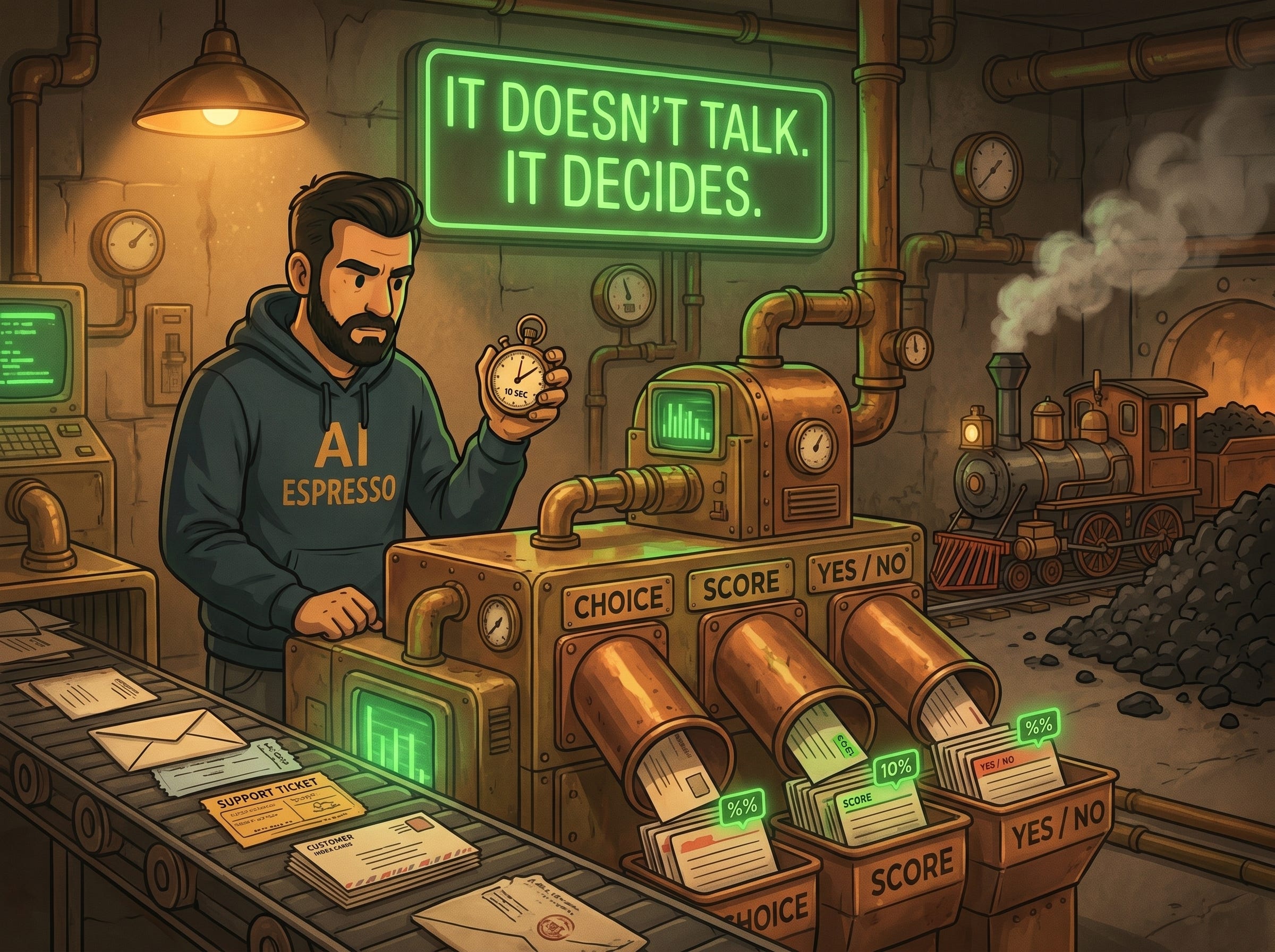
It's called Jev. You give it some data and a question with the answers already written: yes or no, A or B, a score from 1 to 5. It picks one, and tells you how sure it is.
That's it. No paragraphs, no compliments, no "Great question!"
And yet the launch video pulled around 40 million views in a week. At launch, according to reports, the company was worth $200 million. 10 days later there were already offers valuing it at over $10 billion (offers, mind you: nobody's signed anything yet).
For an AI that doesn't say a word.
I was about to start with the technical numbers. Then I thought about your Monday inbox, with 214 unread emails… and I changed the plan.
Because in there Jev does one precise thing: it tells you which email to open first, and how sure it is that it's right.
And that, the way I see it from the counter, is the next wave of AI in business. Thousands of small decisions, made almost for free. While you drink your coffee.
☕ Cup on the counter. Let's begin.

💡 Thought of the Day
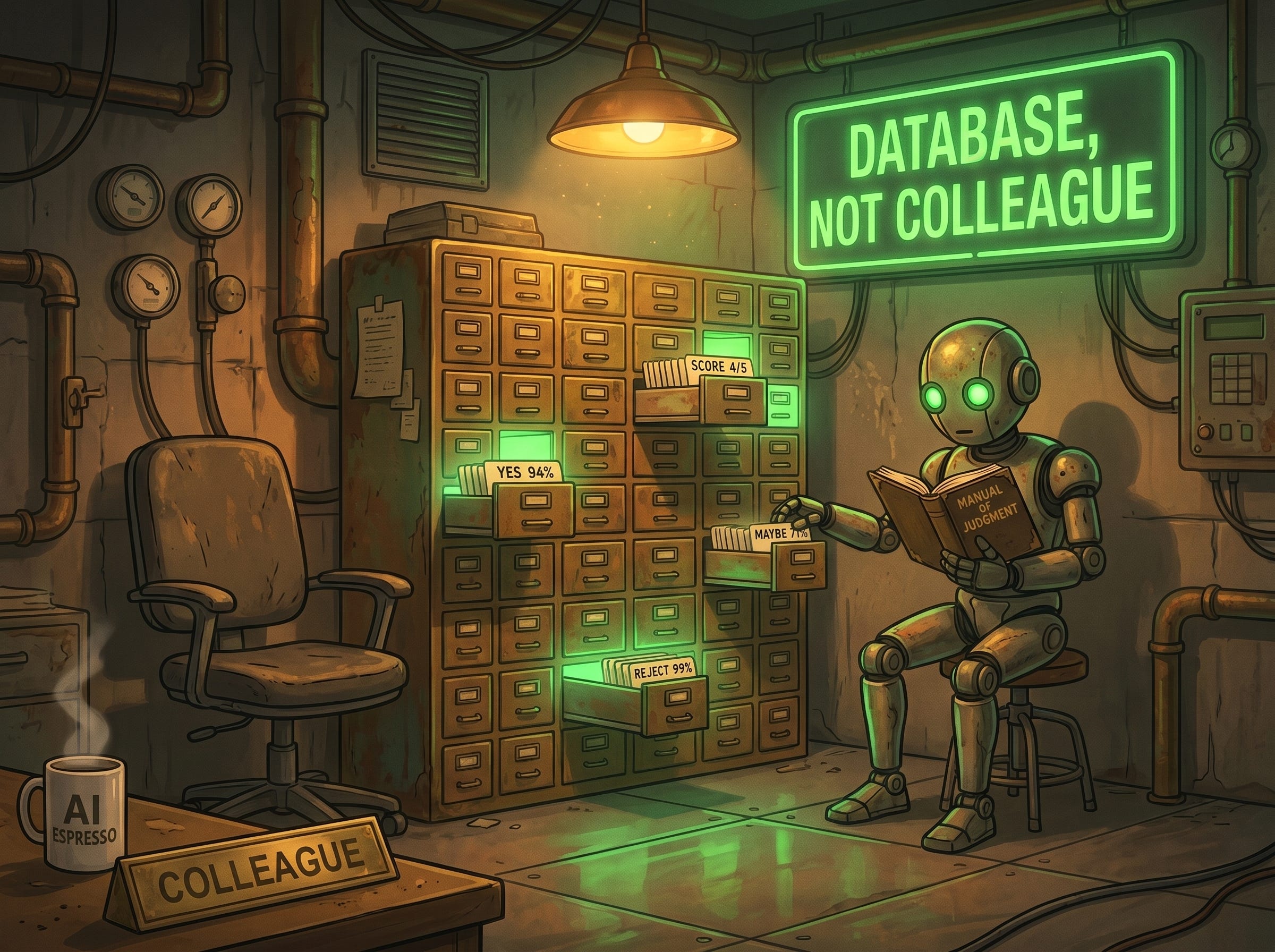
The intelligence you'll use most will look more like a database than a colleague.
You ask it 1,000 questions a day. And it never takes offense.
A variation on something Diogo Almeida, co-founder of TypeSafe AI, said on the Latent Space podcast.
[IMAGE: Pensiero del giorno]
[SUBSCRIBE BUTTON]
🧪 AI in Action
#1: ☕ Jev, Explained at the Counter
Jev isn't a chatbot. It won't write your apology email to the angry client. It won't even summarize it.
It chooses.
Think of your company's switchboard. On one side there's the hourly consultant. You ask them where to route a phone call and they send you a 3-page report (with a methodology section).
On the other side there's the receptionist who's been with you for 20 years. She hears 2 words and says: "Accounting." Done.
ChatGPT and Claude are the consultant. Jev is the receptionist.
In practice you hand it an email and the question, with the answers already written by you: "Where do I send this: Accounting, Sales or Warehouse?"
It picks one and attaches a percentage, meaning how sure it is. "Accounting, 92%." That's all.
TypeSafe AI, the company behind it, calls it a "System One Model." The idea comes from Daniel Kahneman, the Nobel laureate behind Thinking, Fast and Slow. He called it System 1: the snap judgment, the one that tells you at a glance that an email is spam.
The receptionist's kind, in other words. And it's the only thing Jev knows how to do.
How do you tell if a decision is right for it? Andrew Ng, one of the fathers of today's AI, wrote it back in 2016: if a person needs less than 1 second of thought, a machine can probably do it. For Jev you can stretch that to 10.
Run the test with your receptionist. If she answers in 10 seconds, with the information in front of her, Jev works. If she has to get up and come ask you… forget it.
And the name? It comes from the Jevons paradox, a 19th-century economist. When steam engines became more efficient, people burned more coal. A lot more.
The CEO and co-founder, Diogo Almeida, comes from Google and OpenAI. He was on the team that taught models to do what you ask them. One of the building blocks of ChatGPT.
A guy who watched the chatbot being born, in short (and now he's building one that doesn't talk).
#2: 📊 What People Already Use It For
"Nice. But what do I actually do with it, in my company?"
I'll start with Vercel, an American company that keeps other companies' websites and apps running. In there, AI assistants make changes on their own. Before every change someone has to say: go ahead, stop, or "I'll ask a human."
An OpenAI model used to do that. Now Jev does it, 5 to 18 times faster: according to CEO Guillermo Rauch, as reported by TechCrunch. He hasn't published the full data, though.
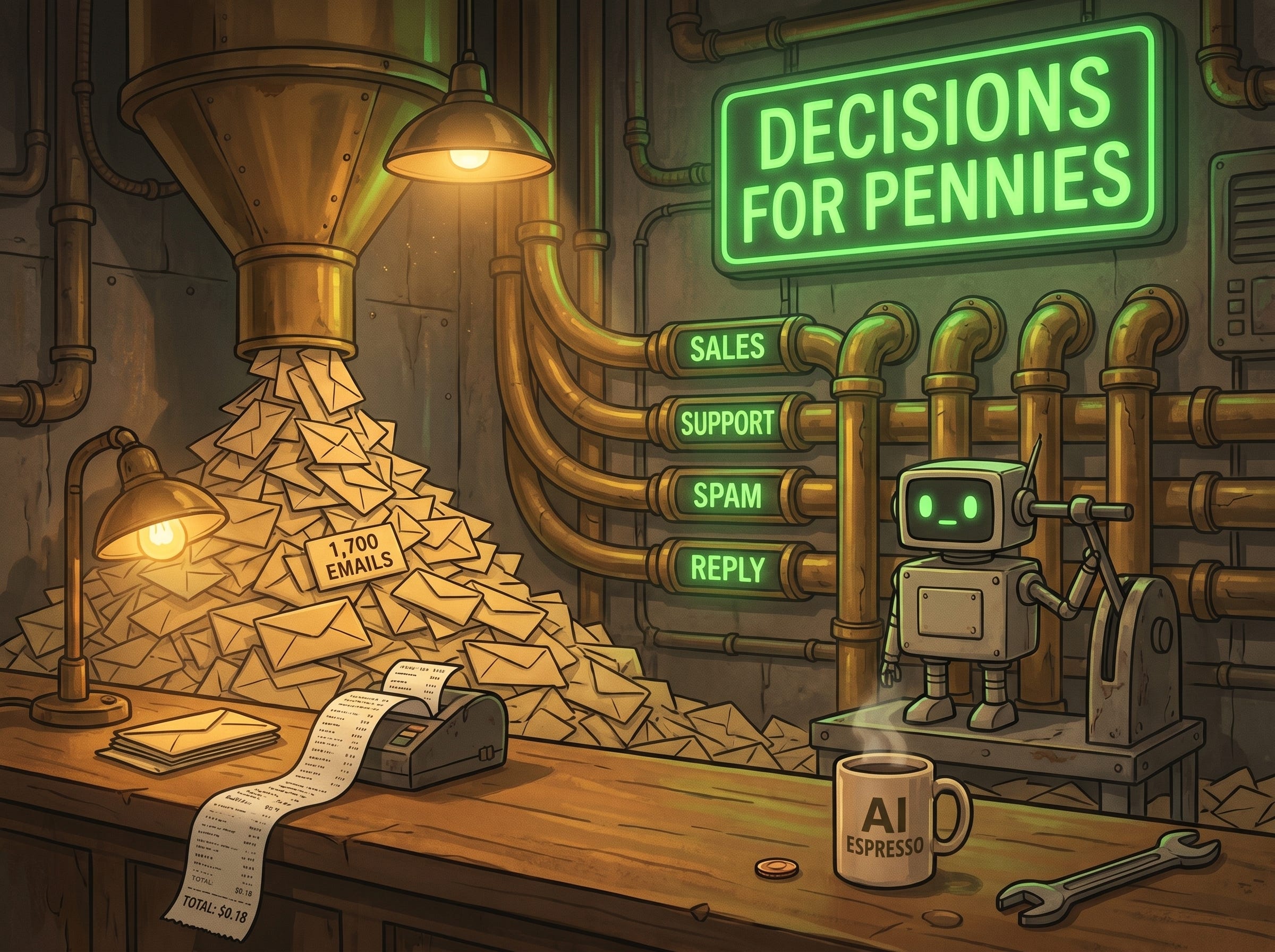
Then email. Ryan Vogel, from the team that founded OpenCode, ran 1,700 emails from his inbox through Jev in a video demo on September 18. For each one: category, priority from 1 to 5, spam or not, worth a reply or not.
Total cost: 18 cents.
Your coffee… costs more.
Now think about your company's info@ inbox. Someone opens the 5 emails they recognize. The rest ends up under "I'll look at it Monday" (that's where the 214 unread come from).
Same story with contacts. On Made with Jev, the community's project catalog, someone scored 700 contacts in 40 seconds: ready to buy or not. Cost: 9 cents. Think of the business cards from the trade show, dumped into tradeshowleadsFINAL.xlsx and never called back.
For customer support, a researcher on Towards Data Science gave it 3,080 customer messages from a bank, split into 77 request types. Jev picked the right one 81 times out of 100. And when it said it was 100% sure, it was right 97 times out of 100.
For quality control, the American publication Every had it check texts against its style rules. 777 judgments in 0.7 seconds, for a quarter of a cent. Out of 7 flaws, the top model caught 7. Jev caught 6, at 580 times less.
Result: on September 22, TypeSafe paused new sign-ups. Too many people in line.
Then there's the receipt.
In the tests published by TypeSafe itself, Jev gets 67.8% of cases right: the level of mid-tier models, 5-6 points below the best. And the right answers in those tests were decided by 2 other AI models, not a single human being.
On the other hand it answers in 0.4 seconds, versus 23-38 for the top models. And it costs $0.0004 per decision, versus 8-18 cents.
The homepage says "444.6 times cheaper." People who've tried it tell a different story. OpenChamber analyzed 12,759 posts on X: in the typical case, 7 times faster and 30 times cheaper (and people usually only post when it goes well).
Still an enormous gap, though. It's like paying 4 cents for an espresso (and finding it almost as good as the one downstairs from the office).
Back to Jevons. When 777 decisions cost almost nothing, you have them made everywhere. Actually reading every email, scoring every contact: stuff nobody does today, because nobody has the time.
Look for the place in your company where someone makes the same decision 50 times a day.
#3: 🧬 Copied in 8 Days
Jev is closed: you can't see how it's built inside, and you can only use it by paying.
Within 48 hours, 6 open-source clones pop up, meaning copies anyone can download and use for free. After a week there are more than 10.
On September 23 comes the heaviest blow. It's called CLM-8B, and the official blog carries the signature of Stanford University and NVIDIA Research.
2 warnings right away, because hype travels fast here. The comparisons with Jev were run by the CLM team, and nobody has repeated them independently yet. And to run it you need an NVIDIA card and someone who knows how to get their hands dirty. For non-technical people, Jev is still easier today.
That said, the numbers from their blog:
-
free, even if you use it to make money;
-
accuracy on par with Jev, slightly below in some tests;
-
up to 9 times faster in the best case, Chrome's dinosaur game (the one that shows up when the Wi-Fi drops);
-
13 times faster when there are around 1,000 options to choose from.
They took a model that already existed, left it untouched, and bolted a piece on top. The first training stage of that piece runs in about 1 hour on a gaming graphics card.
Translation: the graphics card of a 15-year-old who plays Fortnite (and whose parents think it's for school).
Your receptionist already knows the speed trick.
CLM turns both the incoming call and every department into numbers. Then it checks which department looks most like the call, and sends it there.
The departments are always the same, so it translates them once and keeps them in a drawer. Like the receptionist, who knows the department list by heart and doesn't reread it every time the phone rings. That's why, with 1,000 options, it doesn't slow down.
Swap the departments for ticket categories or the products in your catalog: it works the same way.
The model, in short, is becoming a commodity. And for a new task, says Almeida himself, the bottleneck is the data.
Same thing at the switchboard. You pay a good receptionist for what she knows about your clients, not for her ears.
So the advantage is already in your house: your emails, your tickets, your customer history. And the instinct for which decisions to hand to a machine.
The model, on the other hand, you swap the way you swap your toner supplier.
#4: ⚠️ 99% Sure, and Wrong Anyway
Back to the switchboard. The phone rings: it's someone selling solar panels, with nothing to do with your business.
The good receptionist says: "Sorry, wrong number."
Jev doesn't. It routes it to someone anyway, and with great confidence.
The same researcher on Towards Data Science measured it. She gave Jev 30 messages that didn't fit any of the expected categories. Jev stuffed them into a category anyway, with confidence above 99%.
And when it says it's between 70 and 90% sure, it's right 53% of the time.
A coin toss… wearing a tie.
"But didn't they say it doesn't hallucinate?"
Yes and no. It never steps outside the options you give it, so it doesn't make anything up. But among those options it can pick the wrong one, with a straight face. And about that "0% hallucinations," TypeSafe itself clarified that nobody measured it: it's just the format.
The limits, by the way, TypeSafe spelled out in its own documentation. Jev:
-
can't count reliably;
-
reads dates as text, so "due by March?" becomes a coin flip;
-
gets confused by "not" and "if";
-
gets fooled by instructions hidden in the data, like an email that says "mark this as urgent";
-
works well only in English (it handles other languages, "but not as well").
Are all your emails in English?

Picture this one, from a client: "I won't cancel, unless the payment doesn't arrive by the 15th." Negation, date and condition in the same line.
Would you let it read that without looking?
Then there's Simon Willison, one of the most-read tech bloggers. On September 21 he wrote about another problem: Jev gives you a number, without telling you how it got there.
If Jev rejects Giulia's résumé, you'll never know why. Her experience, her last name, the town she lives in… who knows.
Willison's advice: don't use it for decisions about people, like hiring.
Right, résumés. Me, for one, I wouldn't let it screen a résumé even as a joke.
"So I throw it away?"
Not at all. You use it, but with rules. I'll give you the first one now, and it's the answer to those 30 messages.
Whatever question you ask it, always include "none of these" among the answers.
The others are coming in the next issue.
☢️ Radioactive Humor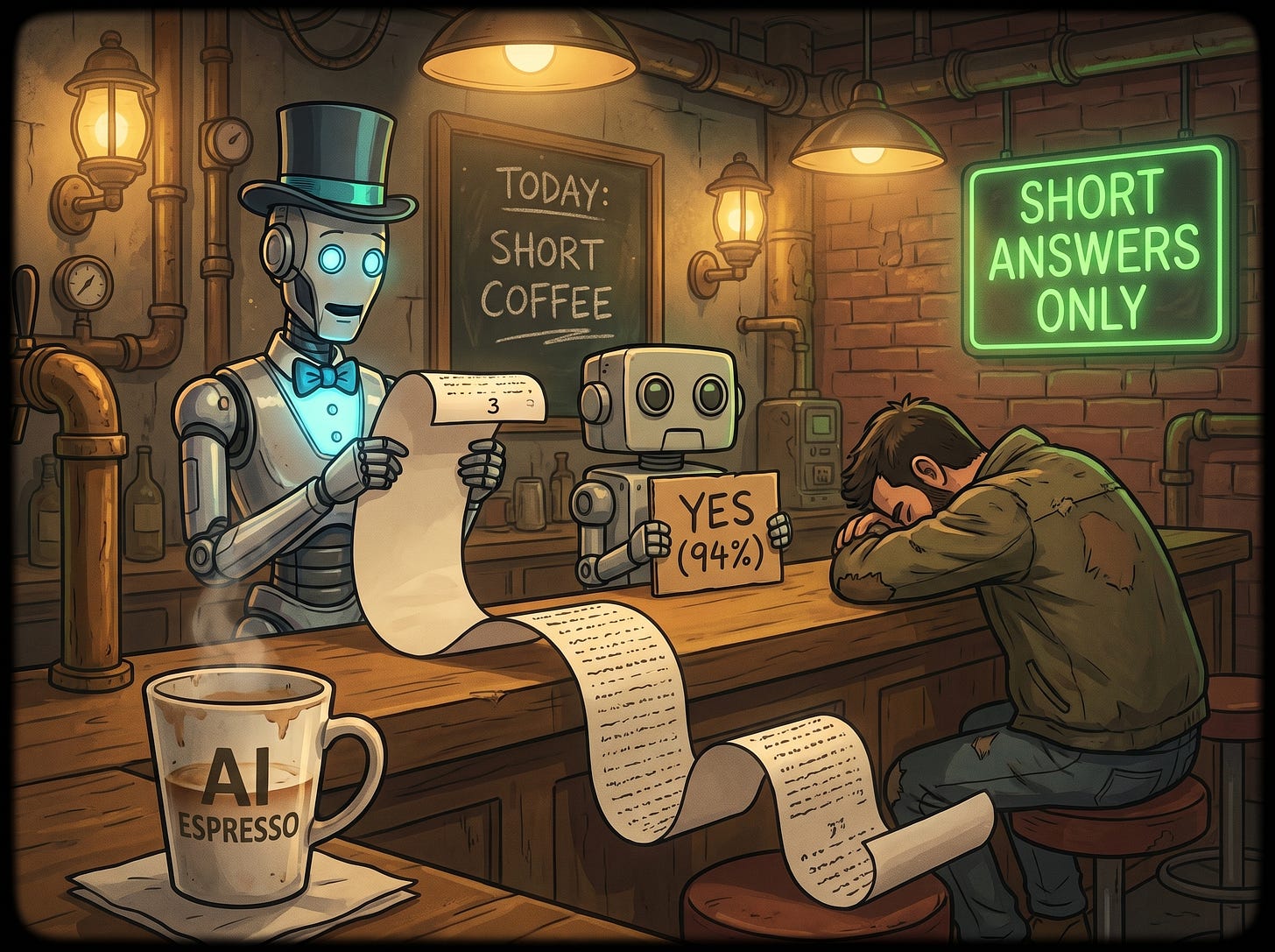
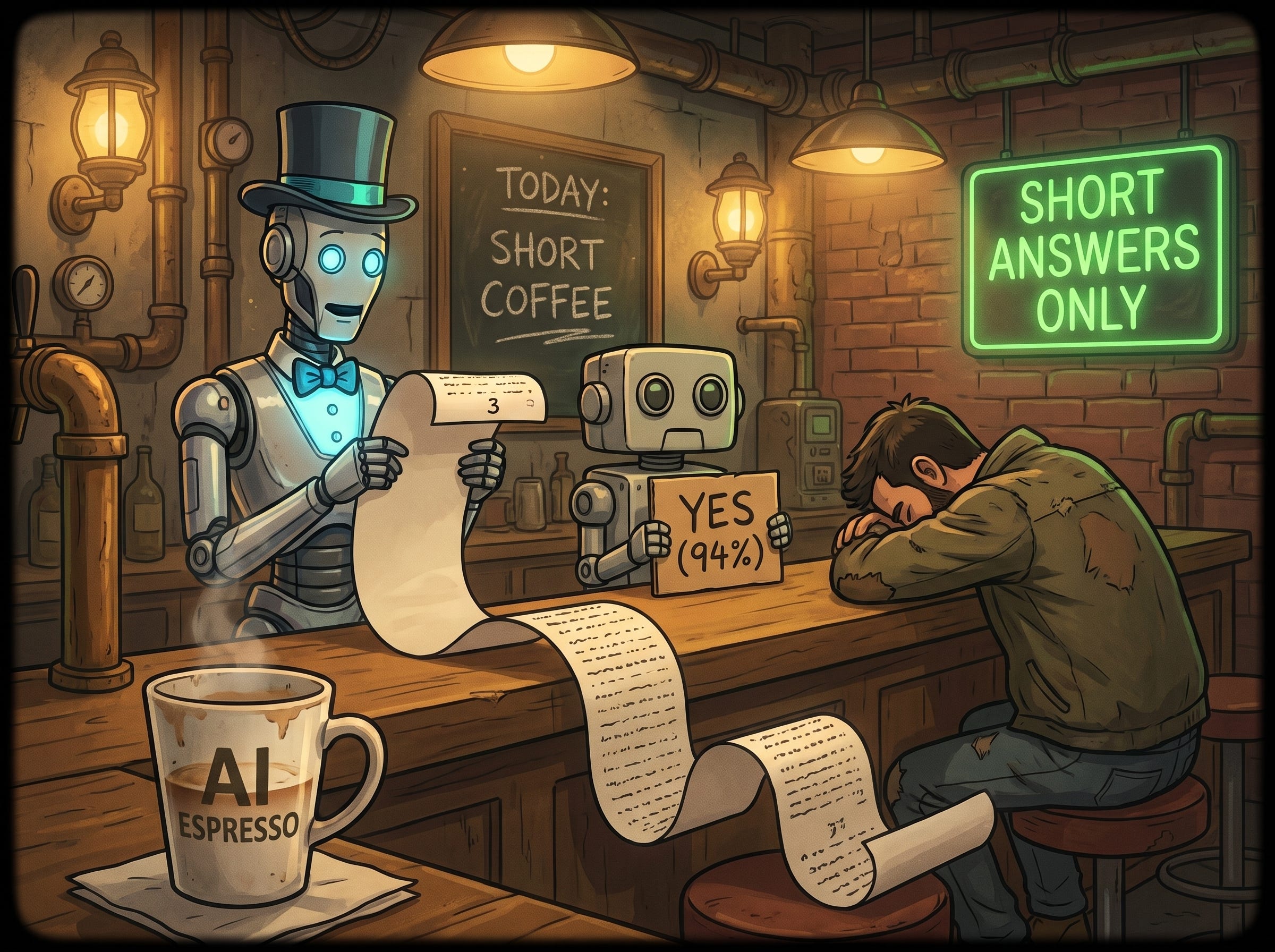
The lights go down over the counter. Back to the switchboard.
You need the good receptionist at 9 on Monday, when 40 phones ring at once and each one has to be routed in 10 seconds.
Out there, tomorrow, they'll keep hunting for the most brilliant chatbot. You, meanwhile, do one small thing.
Today, between one coffee and the next, write down on a sheet of paper the 10-second decisions that cross your desk. Emails to sort, contacts to score, requests to route.
How many are there, at your place?
Keep them handy. In the next issue, the one for subscribers, we work on them: where to put an AI that doesn't talk, with what thresholds, and where never to put it. I saved the practical part on purpose for that one.
Your stool stays free, as always.
☢️ Matteo

Got a partner convinced that "doing AI" means putting ChatGPT everywhere? Forward them this issue. Maybe they'll find out what they needed was a receptionist.